
Image Pattern GeneratorGenerate seamless repeating patterns including stripes, dots, checkerboards, and more.
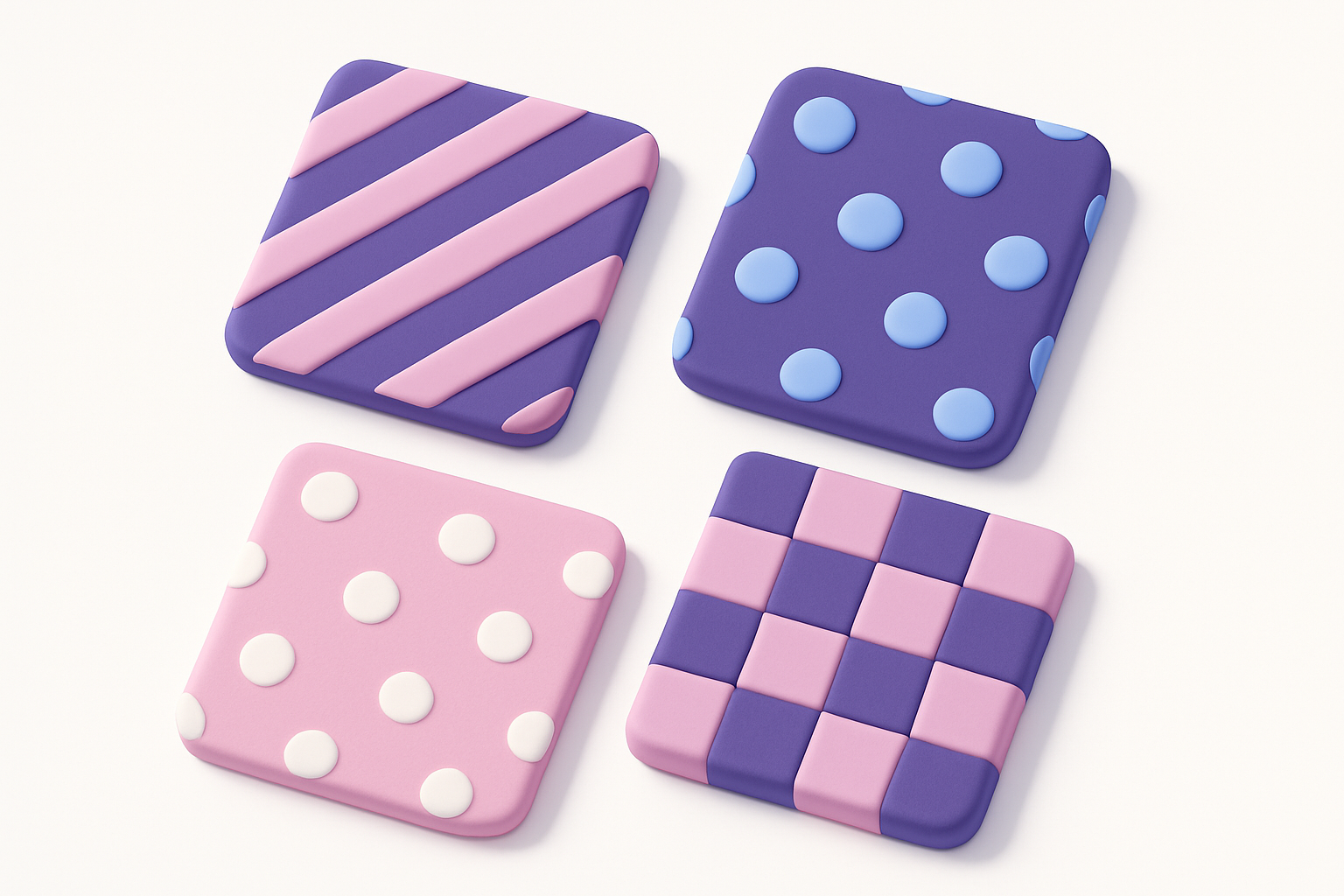
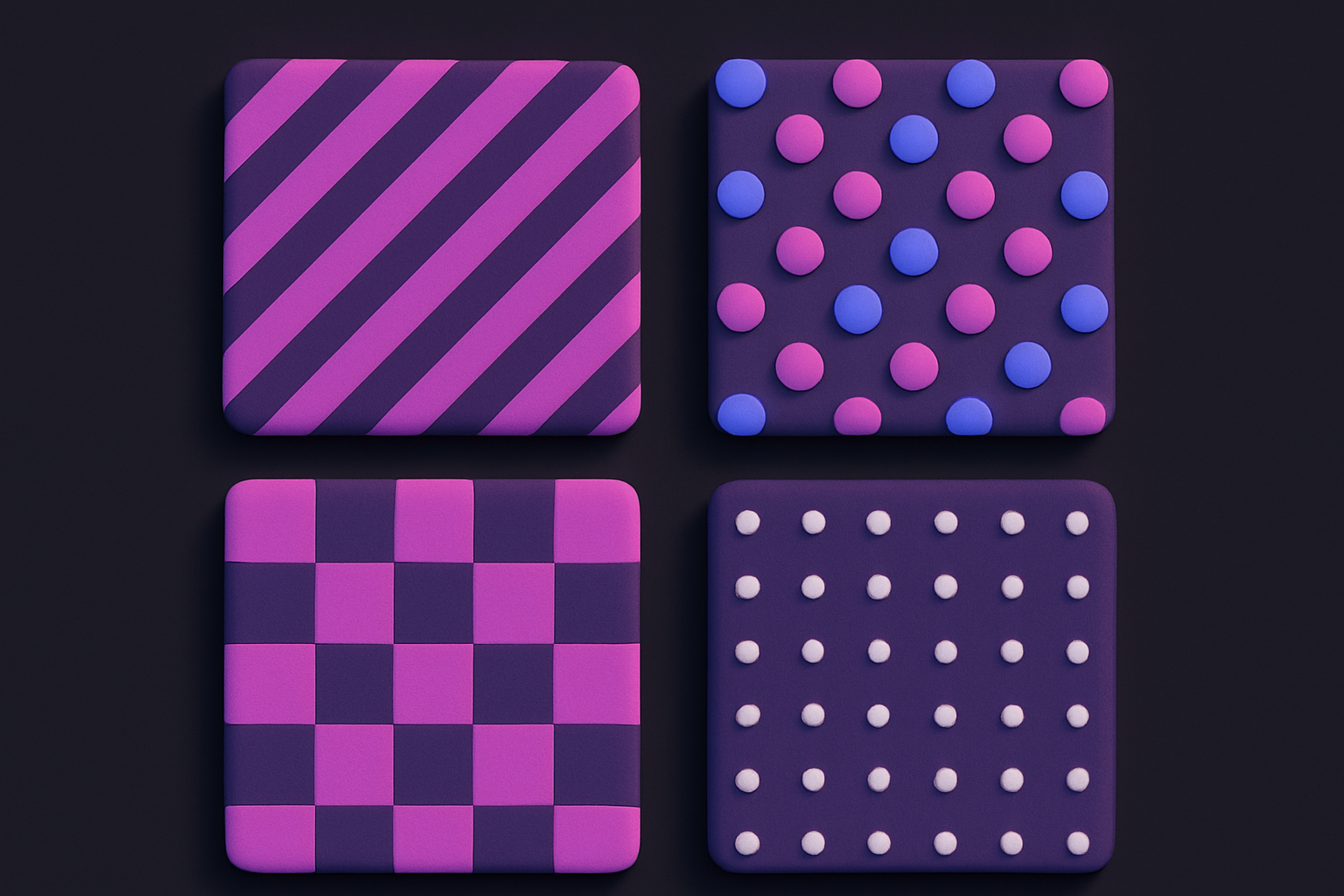
Image Pattern Generator
Generate seamless repeating patterns including stripes, dots, checkerboards, and more.
Choose Pattern
Select from stripes, dots, checkerboard, zigzag, diamonds, or waves.
Customize
Set colors, cell size, and output dimensions.
Download
Generate the pattern and download as PNG.
What Is Image Pattern Generator?
A pattern generator that creates seamless repeating patterns from scratch. Choose from six pattern types — stripes, dots, checkerboard, zigzag, diamonds, and waves — then customize colors, cell size, and output dimensions. Patterns are rendered directly onto Canvas using geometric drawing operations. Output images can be used as website backgrounds, textures, fabric designs, or any project needing repeating patterns.
Why Use Our Image Pattern Generator?
- Six versatile pattern types
- Fully customizable colors, size, and dimensions
- Seamless tiling for backgrounds
- No source image needed — generates from scratch
Common Use Cases
Web Backgrounds
Create tileable backgrounds for websites and apps.
Graphic Design
Generate pattern fills for posters, cards, and layouts.
Textile Design
Preview repeating patterns for fabric and wallpaper.
Game Development
Create texture tiles for game environments.
Technical Guide
Patterns are drawn using Canvas 2D API. Stripes use fillRect at regular intervals. Dots use arc for circles. Checkerboard alternates fills based on row+column parity. Zigzag uses lineTo with alternating Y offsets. Diamonds draw rotated squares with path operations. Waves use sin() for smooth curves. Cell size controls the repeat unit size. Two colors define foreground and background.
Tips & Best Practices
- 1Small cell sizes create fine, dense patterns
- 2Use contrasting colors for maximum visual impact
- 3Test tiling with the Tiled Image Preview tool
- 4Combine with other tools to overlay patterns on photos
Related Tools
Geometric Pattern Generator
Generate geometric patterns with shapes like hexagons, triangles, stars, and circles.
 Image Tools
Noise Texture Generator
Generate procedural noise textures: Perlin, white noise, grain, and cloud effects.
Image Tools
Gradient Image Generator
Generate gradient images with multiple colors, directions, and effects including radial and conic.
Image Tools
Tiled Image Preview
Preview how an image looks when repeated as a seamless tile pattern.
Image Tools
Image Resizer
Resize images by exact pixel dimensions or percentage while maintaining aspect ratio.
Image Tools
Image Crop
Crop images with a visual selection rectangle to remove unwanted areas.
Image ToolsFrequently Asked Questions
QSeamless tiling?
QCustom colors?
QMax resolution?
QSVG output?
QTransparent background?
About Image Pattern Generator
Image Pattern Generator is a free online tool from FreeToolkit.ai. All processing happens directly in your browser — your data never leaves your device. No registration required. No ads. Just fast, reliable tools.