
Image Oil PaintTransform photos into oil painting style with brush stroke simulation.
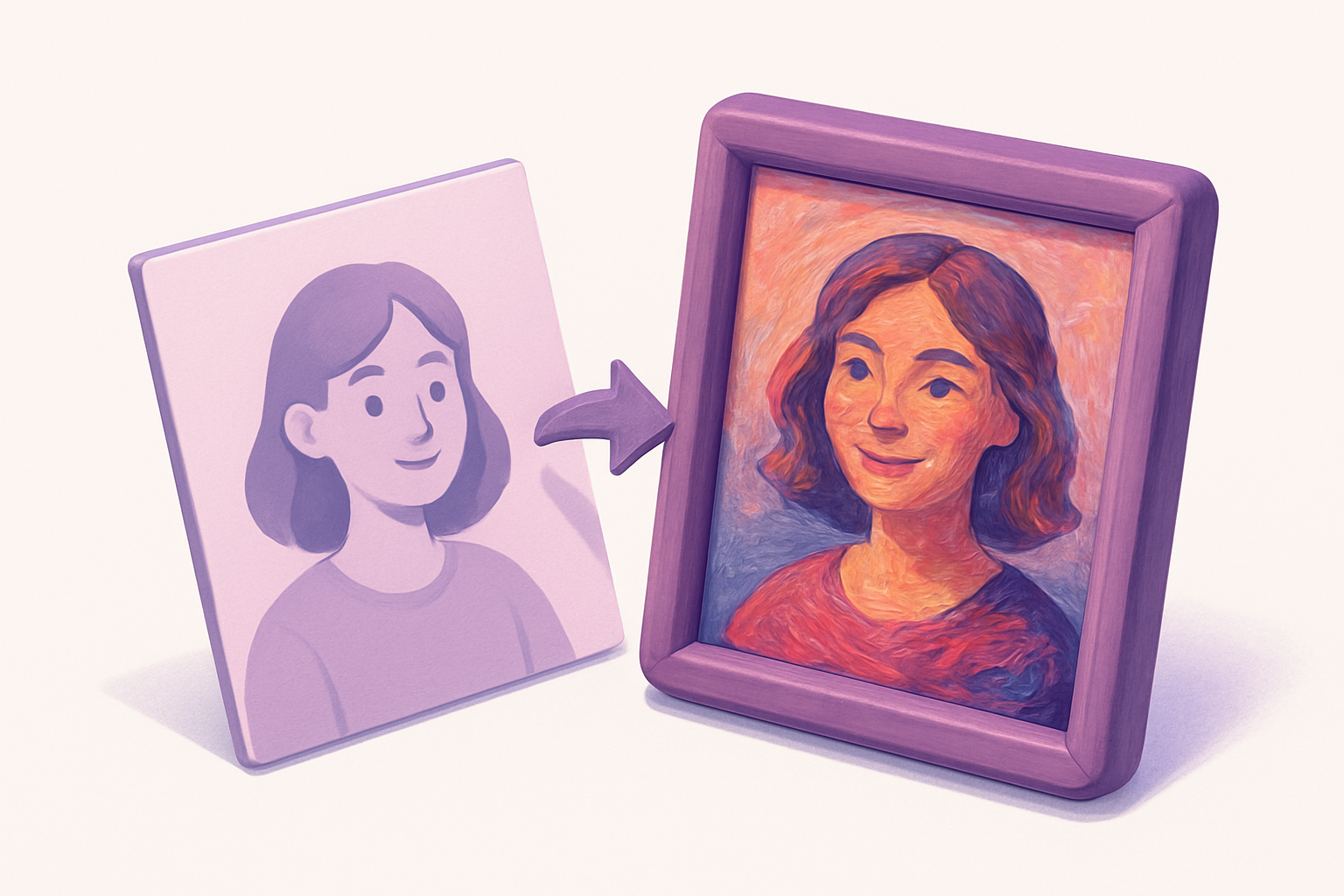

Image Oil Paint
Transform photos into oil painting style with brush stroke simulation.
Upload Image
Drop or select a photo.
Adjust Settings
Control brush radius and intensity levels.
Apply and Download
Click Apply, preview, and download.
What Is Image Oil Paint?
Transforms photos into oil paintings by grouping nearby pixels into flat color regions simulating brush strokes. Uses intensity binning in a neighborhood to find dominant color groups.
Why Use Our Image Oil Paint?
- Adjustable brush radius
- Intensity levels for flatness
- Convincing painterly effects
- No artistic skill required
Common Use Cases
Art Prints
Convert photos to painting-style art.
Creative Projects
Painterly illustrations.
Social Media
Artistic photo versions.
Gift Creation
Painting-style personalized gifts.
Technical Guide
Divides intensity range into n levels. For each pixel, examines neighbors within radius, bins by intensity, finds mode, outputs average color of that bin. O(pixels × radius²).
Tips & Best Practices
- 13-5 for fine strokes, 8-12 for bold
- 2Fewer levels = more abstract
- 3Higher res needs larger radius
- 4Small radius for quick previews
Related Tools


Image Pencil Sketch
Convert photos into pencil sketch drawings.
 Image Tools

Image Posterize
Reduce the number of color levels per channel for a flat, poster-like effect.
Image Tools
Image Blur
Apply box blur to soften images with adjustable radius control.
Image Tools

Image Pixelate
Pixelate images with adjustable block size for retro effects or privacy masking.
Image Tools
Image Resizer
Resize images by exact pixel dimensions or percentage while maintaining aspect ratio.
Image Tools

Image Crop
Crop images with a visual selection rectangle to remove unwanted areas.
Image ToolsFrequently Asked Questions
QWhy slow on large images?
QWhat radius?
QUses AI?
QBrush direction?
About Image Oil Paint
Image Oil Paint is a free online tool from FreeToolkit.ai. All processing happens directly in your browser — your data never leaves your device. No registration required. No ads. Just fast, reliable tools.