
Pomodoro TimerFull Pomodoro productivity timer with customizable work/break intervals and session tracking.
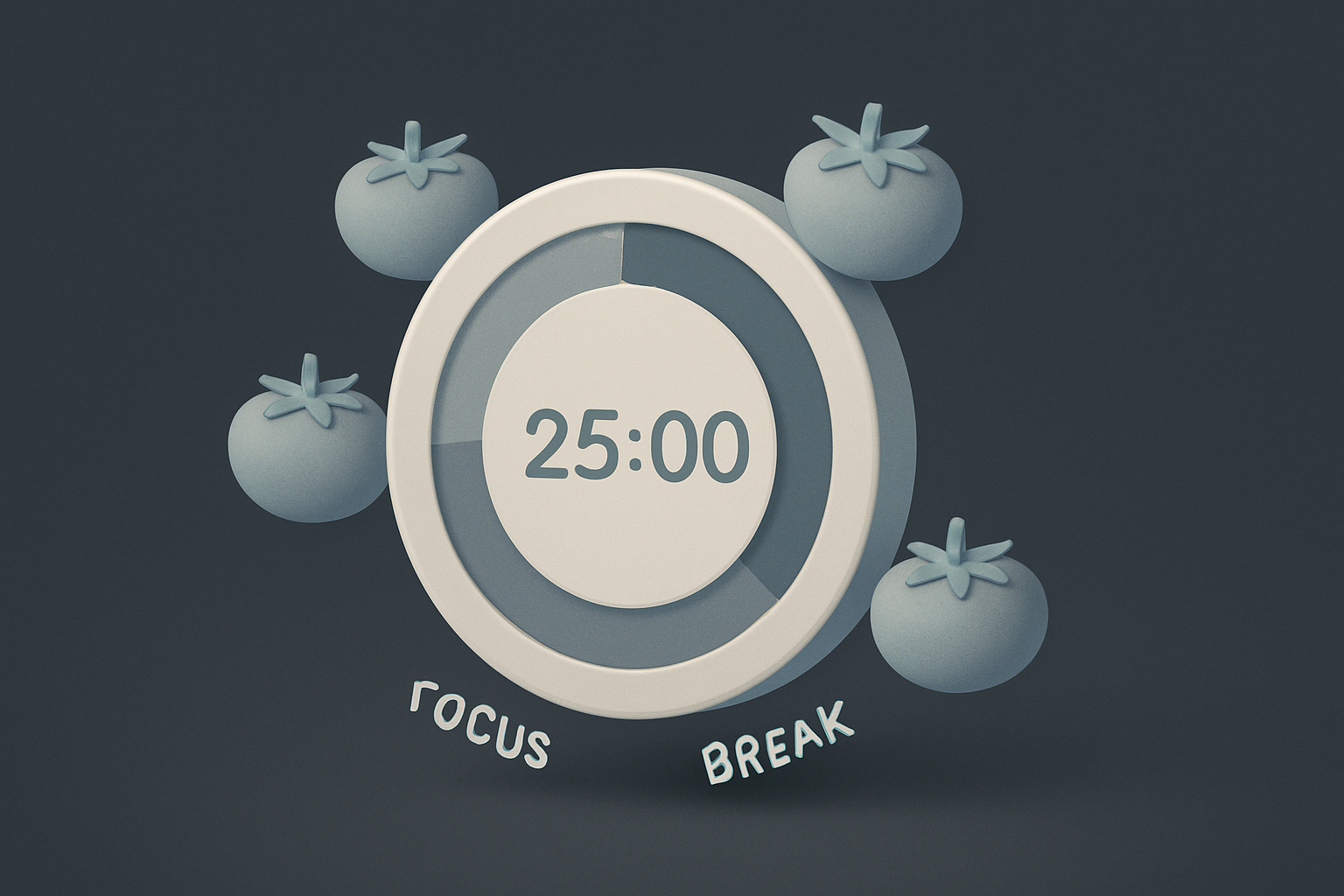

Pomodoro Timer
Full Pomodoro productivity timer with customizable work/break intervals and session tracking.
Set Intervals
Configure work (25 min), short break (5), long break (15).
Start
Begin focused work session.
Follow Rhythm
Work, break, repeat. Long break every 4 sessions.
What Is Pomodoro Timer?
Implements the Pomodoro Technique by Francesco Cirillo. 25-minute focus intervals, 5-minute breaks, 15-30 minute break after every 4 pomodoros. Customizable durations, automatic switching, session counting, and audio notifications. Prevents burnout and maintains concentration.
Why Use Our Pomodoro Timer?
- Scientifically-backed technique
- Customizable durations
- Automatic switching
- Session counter
- Audio alerts
Common Use Cases
Deep Work
Focused coding, writing, or design.
Studying
Structured study with breaks.
Remote Work
Structure workday with focus/break periods.
Technical Guide
setInterval with 1-second ticks. State machine: work, short break, long break. Audio via Web Audio API oscillator. Long break after 4 work sessions. Cleanup on unmount.
Tips & Best Practices
- 1Start with 25/5/15
- 2Single task per session
- 3Actually take breaks
- 4Track pomodoros for estimation
Related Tools


Fullscreen Clock
Display a beautiful full-screen digital or analog clock for presentations and ambient displays.
 Miscellaneous

Countdown to Date
Create a live countdown timer to any future date showing days, hours, minutes, and seconds.
Miscellaneous

Habit Tracker
Track daily habits with visual streak counting, completion tracking, and progress visualization.
Miscellaneous

Kanban Board
Organize tasks with a drag-and-drop Kanban board featuring customizable columns and color-coded cards.
Miscellaneous

Email Validator
Validate email addresses against RFC 5322 format rules with detailed error explanations.
Miscellaneous

Phone Number Validator
Validate international phone numbers with country detection, formatting, and carrier type identification.
MiscellaneousFrequently Asked Questions
QWhat is Pomodoro?
QHow many per day?
About Pomodoro Timer
Pomodoro Timer is a free online tool from FreeToolkit.ai. All processing happens directly in your browser — your data never leaves your device. No registration required. No ads. Just fast, reliable tools.