
Pomodoro TimerPomodoro technique timer with customizable work/break intervals and session tracking.
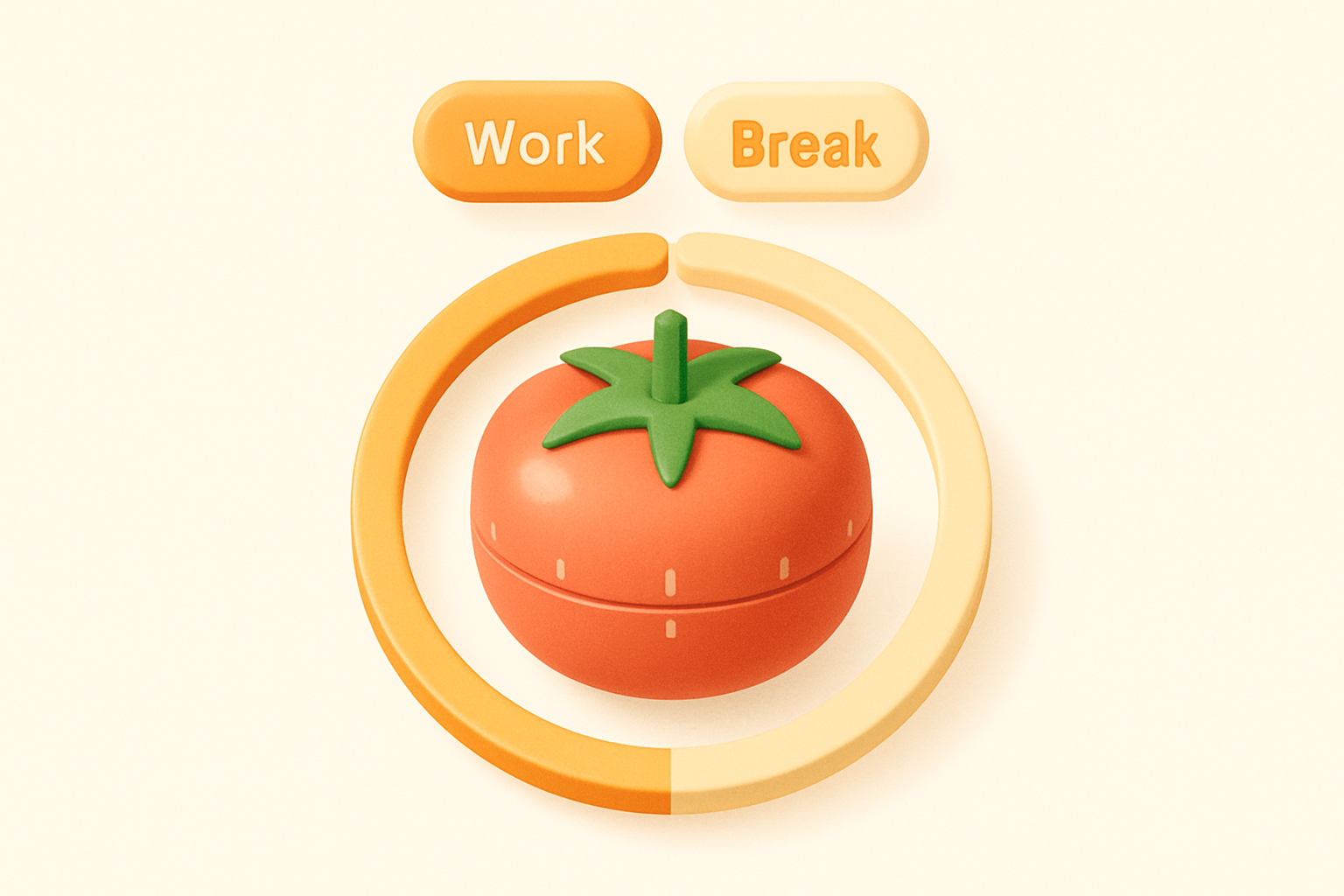

Pomodoro Timer
Pomodoro technique timer with customizable work/break intervals and session tracking.
Configure Intervals
Set your work duration (default 25 min), short break (5 min), and long break (15 min).
Start Working
Press Start and focus on your task during the work interval.
Take Breaks
When the timer ends, take a short or long break. The timer auto-advances.
What Is Pomodoro Timer?
The Pomodoro Timer implements the popular Pomodoro Technique, a time management method developed by Francesco Cirillo in the late 1980s. The technique uses a timer to break work into focused intervals — traditionally 25 minutes of work followed by 5-minute short breaks, with a longer 15-minute break after every 4 work sessions. This tool features fully customizable durations for work, short breaks, long breaks, and the number of sessions before a long break. A visual progress bar shows how much time remains in the current interval, and a session counter tracks your completed focus blocks. The timer automatically transitions between work and break periods, allowing you to maintain flow without manual intervention.
Why Use Our Pomodoro Timer?
- Customizable work, short break, and long break durations
- Automatic cycling between work and break intervals
- Visual progress bar for at-a-glance time remaining
- Session counter to track daily productivity
- Three mode tabs for quick switching between work and breaks
- No account required — start using immediately
Common Use Cases
Studying
Break study sessions into focused intervals for better retention and reduced fatigue.
Programming
Maintain coding focus with regular breaks to prevent burnout and maintain code quality.
Writing
Use timed writing sprints to overcome writer's block and maintain consistent output.
Remote Work
Structure your home office day with clear work and break boundaries.
Creative Projects
Alternate between focused creation and reflective breaks for better creative output.
Technical Guide
The timer uses a 1-second setInterval to decrement the remaining time. When the counter reaches zero, the component determines the next mode based on the current mode and session count. After a work session, it increments the completed session counter and checks if a long break is due (every N sessions as configured). The mode switch function stops the timer, sets the new mode, and loads the corresponding duration. The visual progress bar width is calculated as (totalDuration - timeLeft) / totalDuration * 100 and rendered as a CSS width percentage with a smooth transition. Settings can be adjusted while the timer is paused, and changes to the current mode's duration immediately update the remaining time.
Tips & Best Practices
- 1Start with the default 25/5/15 pattern before customizing
- 2Use the long break for physical movement — walk, stretch, or hydrate
- 3Close distracting tabs during work intervals for best results
- 4Track how many Pomodoro sessions you complete daily as a productivity metric
- 5Adjust work duration based on task type — shorter for creative work, longer for deep technical work
Related Tools

Stopwatch
Online stopwatch with lap times, start/stop, and reset functionality.
 Date & Time

Countdown Timer
Create a live countdown to any future date and time with days, hours, minutes, and seconds.
Date & Time

Time Duration Calculator
Calculate the duration between two times with optional date support for multi-day spans.
Date & Time
Working Hours Calculator
Calculate total working hours from start/end times minus break duration.
Date & Time

Time Card Calculator
Calculate hours and pay from multiple clock-in/out entries with overtime tracking.
Date & Time

Date Difference Calculator
Calculate the exact number of days, months, and years between any two dates.
Date & TimeFrequently Asked Questions
QWhat is the Pomodoro Technique?
QCan I customize the timer durations?
QDoes it auto-advance between work and breaks?
QWill it play a sound when the timer ends?
QHow many Pomodoro sessions should I aim for daily?
QCan I skip a break?
About Pomodoro Timer
Pomodoro Timer is a free online tool from FreeToolkit.ai. All processing happens directly in your browser — your data never leaves your device. No registration required. No ads. Just fast, reliable tools.