
Image ThresholdConvert images to pure black and white using adjustable threshold.
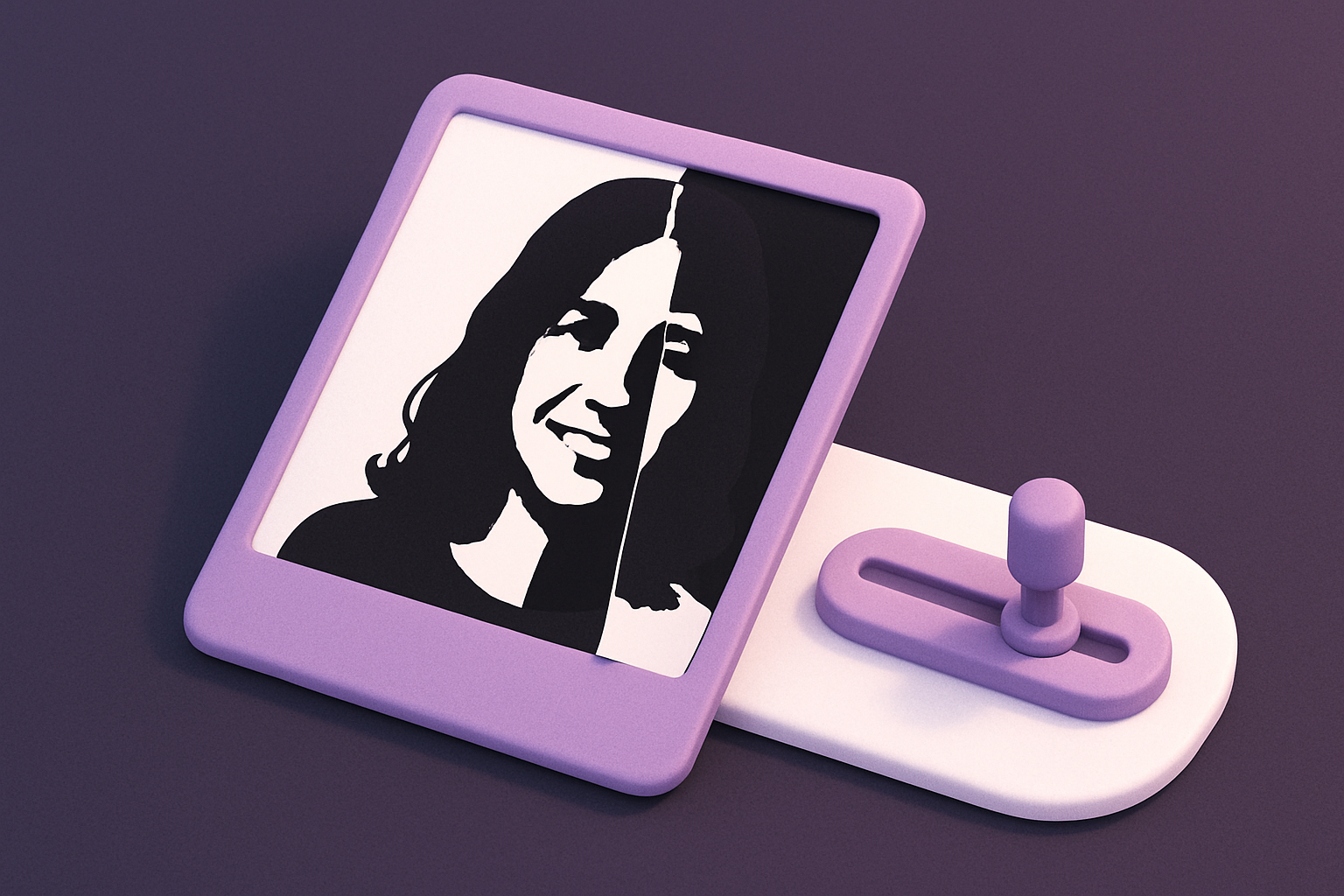
Image Threshold
Convert images to pure black and white using adjustable threshold.
Upload Image
Drop or select an image.
Set Threshold
Adjust the brightness cutoff point.
Apply and Download
Click Apply, preview, and download.
What Is Image Threshold?
Converts images to pure black and white. Pixels brighter than the threshold become white (255), darker become black (0).
Why Use Our Image Threshold?
- Adjustable threshold
- Clean binary output
- Useful for OCR preprocessing
- Fast per-pixel operation
Common Use Cases
Document Cleanup
Clean scanned documents.
Stencil Creation
Generate black-and-white stencils.
Logo Extraction
Isolate logos from backgrounds.
Shadow Art
Create silhouette art from photos.
Technical Guide
Luminance = R*0.299 + G*0.587 + B*0.114. If luminance >= threshold: 255, else 0.
Tips & Best Practices
- 1Start at 128 and adjust
- 2Lower = more white
- 3Higher = more black
- 4160-200 for text extraction
Related Tools
Image Posterize
Reduce the number of color levels per channel for a flat, poster-like effect.
 Image Tools
Image Dither
Apply Floyd-Steinberg dithering for retro limited-color effects.
Image Tools
Image to Grayscale
Convert color images to grayscale (black and white) with adjustable intensity.
Image Tools

Image Invert
Invert image colors to create a photographic negative effect.
Image Tools
Image Resizer
Resize images by exact pixel dimensions or percentage while maintaining aspect ratio.
Image Tools
Image Crop
Crop images with a visual selection rectangle to remove unwanted areas.
Image ToolsFrequently Asked Questions
QSame as grayscale?
QRight threshold?
QWhat is luminance?
QPer-channel threshold?
About Image Threshold
Image Threshold is a free online tool from FreeToolkit.ai. All processing happens directly in your browser — your data never leaves your device. No registration required. No ads. Just fast, reliable tools.