
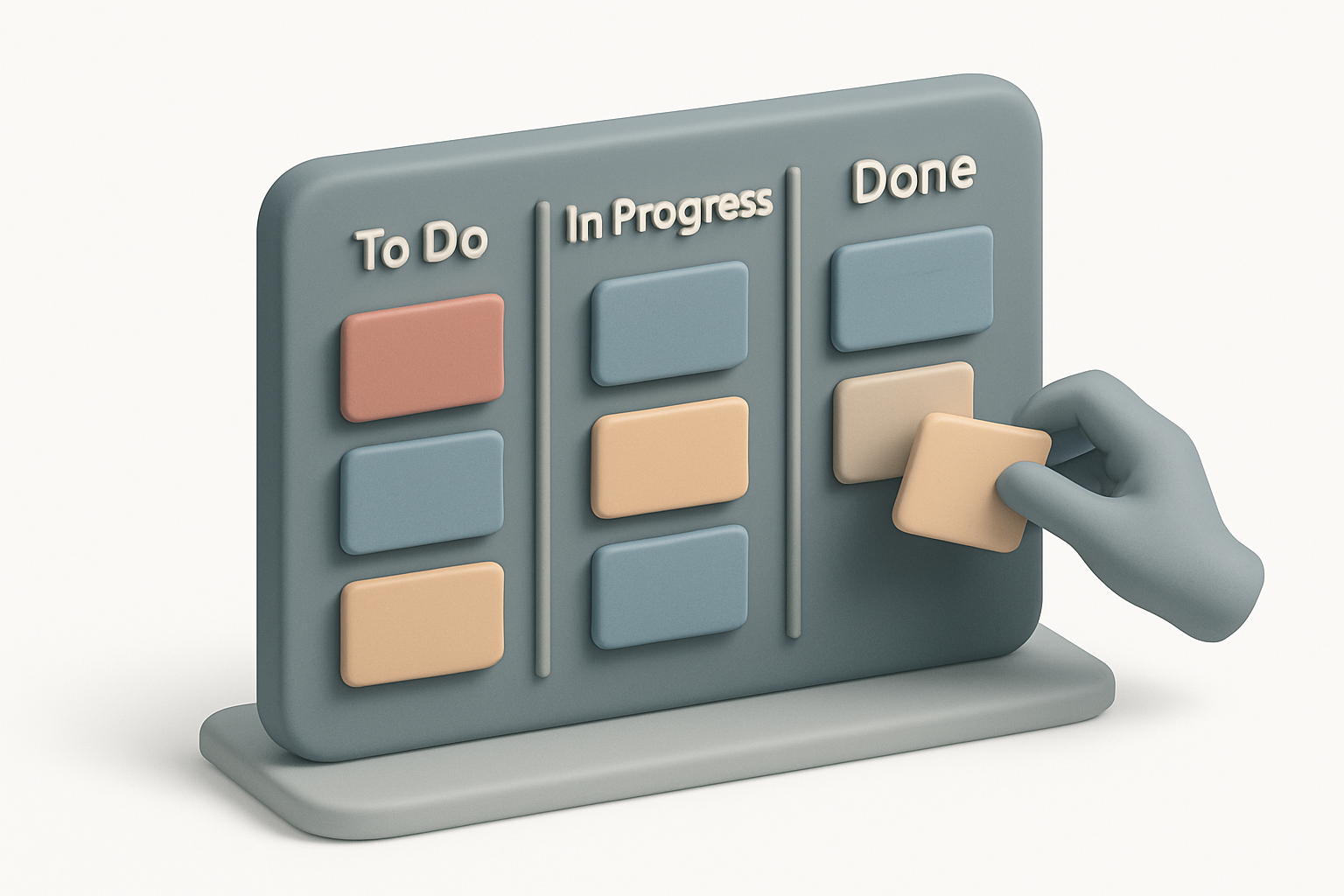
Kanban BoardOrganize tasks with a drag-and-drop Kanban board featuring customizable columns and color-coded cards.

Kanban Board
Organize tasks with a drag-and-drop Kanban board featuring customizable columns and color-coded cards.
Create Cards
Add task cards to any column.
Drag & Drop
Drag cards between columns to update status.
Customize
Add columns, edit cards, use colors.
What Is Kanban Board?
Visual task management based on the Kanban methodology. Drag-and-drop interface with customizable columns (To Do, In Progress, Done). Color-coded cards, inline editing, unlimited columns. Uses HTML5 Drag and Drop API. Perfect for personal tasks, project tracking, and sprint planning.
Why Use Our Kanban Board?
- Intuitive drag-and-drop
- Customizable columns
- Color-coded cards
- Inline editing
- No account needed
Common Use Cases
Personal Tasks
Track daily tasks visually.
Project Tracking
Monitor progress from planning to completion.
Sprint Planning
Organize user stories for sprints.
Content Calendar
Track content from idea to published.
Technical Guide
HTML5 Drag and Drop API. dataTransfer stores column/card IDs. On drop, removes from source, adds to destination. State as Column objects with Card arrays (id, text, color). Unique IDs via Date.now() + random suffix.
Tips & Best Practices
- 1Start with To Do / In Progress / Done
- 2Limit work-in-progress
- 3Colors for priority
- 4Keep card text short
Related Tools

Checklist Generator
Create interactive checklists with checkboxes, progress tracking, and easy item management.
 Miscellaneous

Pomodoro Timer
Full Pomodoro productivity timer with customizable work/break intervals and session tracking.
Miscellaneous

Habit Tracker
Track daily habits with visual streak counting, completion tracking, and progress visualization.
Miscellaneous

Project Timeline Generator
Create simple project timelines and Gantt charts with task scheduling and milestone tracking.
Miscellaneous

Email Validator
Validate email addresses against RFC 5322 format rules with detailed error explanations.
Miscellaneous

Phone Number Validator
Validate international phone numbers with country detection, formatting, and carrier type identification.
MiscellaneousFrequently Asked Questions
QDoes it save?
QMore columns?
QMove cards?
About Kanban Board
Kanban Board is a free online tool from FreeToolkit.ai. All processing happens directly in your browser — your data never leaves your device. No registration required. No ads. Just fast, reliable tools.