
Fancy Text GeneratorApply fancy text styles — strikethrough, underline, fullwidth, small caps, and more.
Fancy Text Generator
Apply fancy text styles — strikethrough, underline, fullwidth, small caps, and more.
Enter Text
Type the text you want to style.
Choose Style
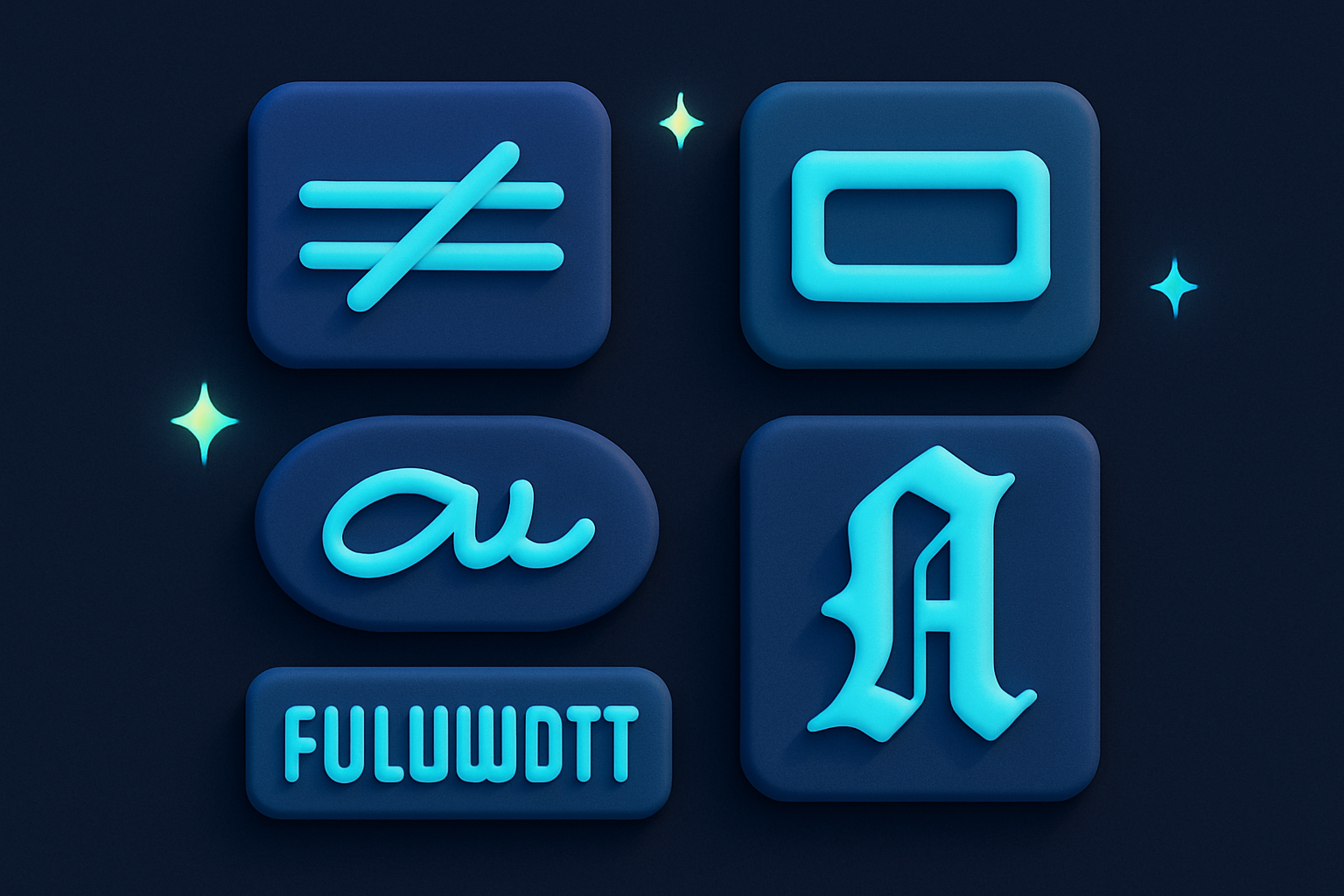
Select from strikethrough, underline, fullwidth, small caps, superscript, subscript, medieval, or cursive.
Copy Output
Copy the styled text for use anywhere.
What Is Fancy Text Generator?
A fancy text generator applies creative Unicode-based text transformations that work across platforms. Available styles include: strikethrough (combining character overlay), underline (combining underline), fullwidth (wide Asian-width characters), small caps (phonetic/Latin-extended characters), superscript/subscript (math symbols), medieval/fraktur (Gothic-style letters), and cursive/script (handwriting style). These effects use Unicode combining characters and alternate character blocks, so they display anywhere that supports Unicode.
Why Use Our Fancy Text Generator?
- 8 different fancy text styles
- All styles use standard Unicode — no special fonts needed
- Strikethrough and underline work even on platforms without formatting
- Small caps and fullwidth are professional-looking text transformations
- Each style uses a different Unicode technique
Common Use Cases
Social Media
Add strikethrough, underline, or other styles to posts on platforms without formatting options.
Messaging
Send styled text in apps that don't support rich text formatting.
Creative Writing
Use small caps for titles, fullwidth for emphasis, or medieval for thematic content.
Usernames & Bios
Create distinctive profiles with fancy text styles.
Technical Guide
Each style uses a different Unicode technique: Strikethrough appends combining long stroke overlay (U+0336) after each character. Underline appends combining low line (U+0332). Fullwidth maps ASCII printable characters (U+0021-U+007E) to their fullwidth equivalents (U+FF01-U+FF5E) and space to ideographic space (U+3000). Small caps uses characters from Latin Extended, IPA Extensions, and Cyrillic blocks that resemble small capital letters. Superscript/subscript uses modifier letters and mathematical sub/superscript characters. Medieval uses Mathematical Fraktur symbols (U+1D504+). Cursive uses Mathematical Script symbols (U+1D49C+).
Tips & Best Practices
- 1Strikethrough works by adding a combining character after each letter — it's not real formatting
- 2Small caps look professional for headings and titles
- 3Fullwidth text is twice as wide — used in CJK typography
- 4Superscript is great for mathematical notation in plain text
- 5Medieval (Fraktur) gives text an old-world Gothic appearance
Related Tools

Unicode Text Generator
Convert text to Unicode styled variants — bold, italic, script, fraktur, and more.
 Text Tools
Upside Down Text
Flip text upside down using Unicode characters.
Text Tools
Bubble Text Generator
Convert text to circled (bubble) Unicode characters.
Text Tools
Square Text Generator
Convert text to squared Unicode characters.
Text Tools

Title Case Converter
Convert text to Title Case with proper capitalization rules.
Text Tools

Word Counter
Count words, unique words, characters, and see word frequency in any text.
Text ToolsFrequently Asked Questions
QDo these styles work everywhere?
QIs strikethrough real formatting?
QWhat is fullwidth text?
QAre small caps the same as lowercase?
QWhy don't some characters change?
About Fancy Text Generator
Fancy Text Generator is a free online tool from FreeToolkit.ai. All processing happens directly in your browser — your data never leaves your device. No registration required. No ads. Just fast, reliable tools.