
GIF to ImagesExtract individual frames from animated GIF files as separate PNG images.
GIF to Images
Extract individual frames from animated GIF files as separate PNG images.
Upload GIF
Drop or select an animated GIF file.
View Frames
All frames are extracted with their delay timings shown.
Download
Click individual frames or download all as PNG files.
What Is GIF to Images?
A GIF frame extractor that parses animated GIF files and exports each frame as a separate PNG image. The decoder handles the full GIF89a specification including interlaced frames, local color tables, transparent pixels, and disposal methods. Each frame is composited correctly, accounting for how previous frames should be preserved or cleared. Frame delay timings are displayed alongside each extracted frame.
Why Use Our GIF to Images?
- Extracts every frame with correct compositing
- Shows frame delay timing for each frame
- Download individual frames or all at once
- Handles interlacing, transparency, and disposal methods
Common Use Cases
Editing
Extract frames to edit individually, then reassemble the GIF.
Thumbnails
Pick the best frame from a GIF to use as a static thumbnail.
Analysis
Study frame-by-frame animation timing and transitions.
Sprite Sheets
Extract game animation frames for use in sprite sheets.
Technical Guide
The decoder reads GIF89a binary format: header, logical screen descriptor, global color table, then iterates through blocks. Graphic control extensions provide frame delay and transparency index. Image descriptors specify frame position and dimensions. LZW-compressed image data is decompressed to pixel indices, mapped through color tables to RGBA. Disposal methods (none, background, previous) are handled for correct frame compositing.
Tips & Best Practices
- 1Frame numbering starts at 0 for consistency
- 2Click any frame thumbnail to download just that frame
- 3Use extracted frames with our GIF creator to edit animations
- 4Check frame delays to understand animation timing
Related Tools
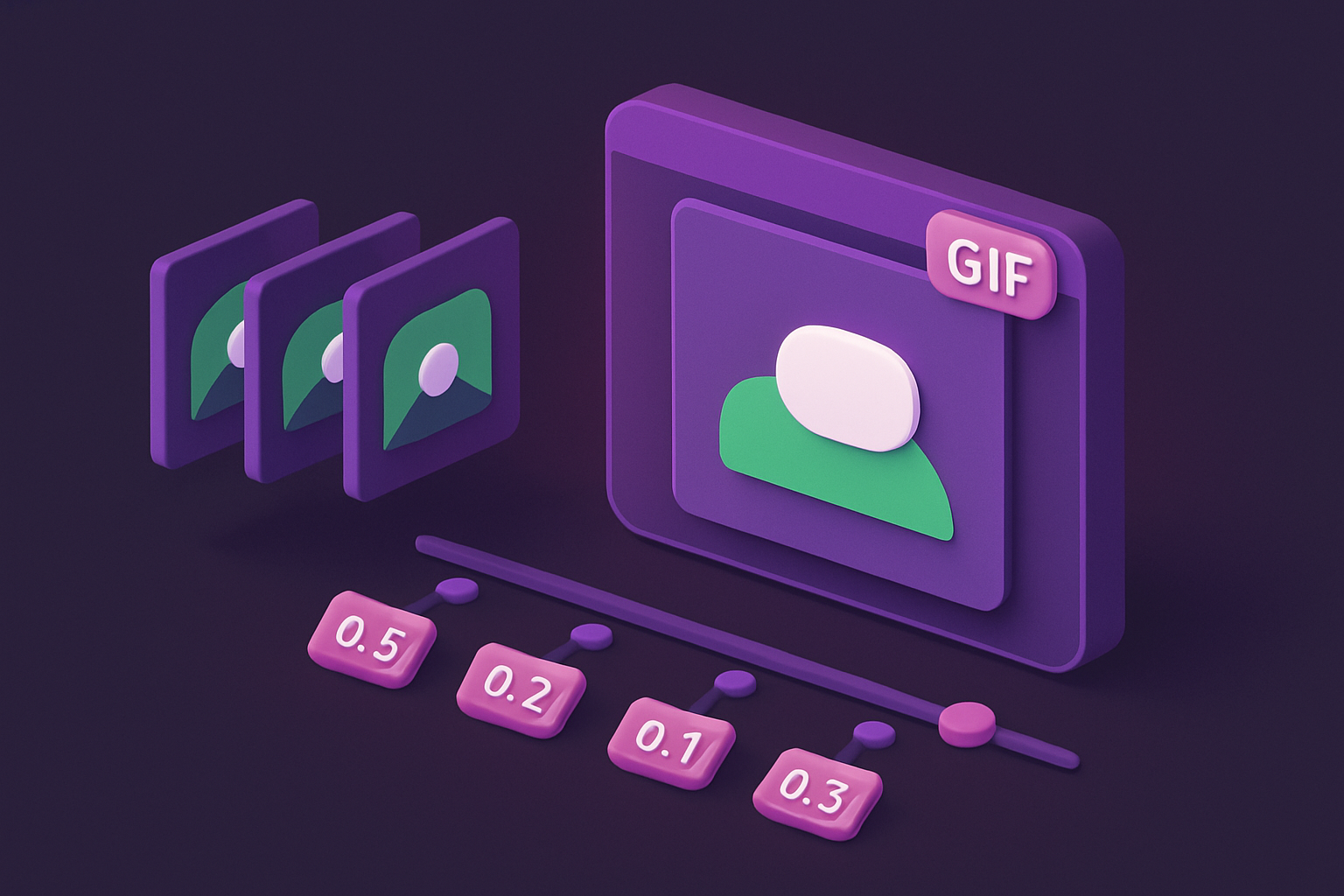
Images to GIF
Create animated GIF files from a sequence of images with customizable frame delay.
 Image Tools
GIF Speed Changer
Speed up or slow down animated GIF files by adjusting the frame delay timing.
Image Tools
GIF Reverser
Reverse animated GIF playback or create a boomerang loop effect.
Image Tools
Image Splitter
Split an image into a grid of equally sized tiles for puzzles, printing, or Instagram grids.
Image Tools
Image Resizer
Resize images by exact pixel dimensions or percentage while maintaining aspect ratio.
Image Tools
Image Crop
Crop images with a visual selection rectangle to remove unwanted areas.
Image ToolsFrequently Asked Questions
QOutput format?
QTransparency?
QFrame compositing?
QLarge GIFs?
QStatic GIFs?
About GIF to Images
GIF to Images is a free online tool from FreeToolkit.ai. All processing happens directly in your browser — your data never leaves your device. No registration required. No ads. Just fast, reliable tools.