
Audio Tools
40 tools available
Convert, trim, merge, and process audio files in your browser.
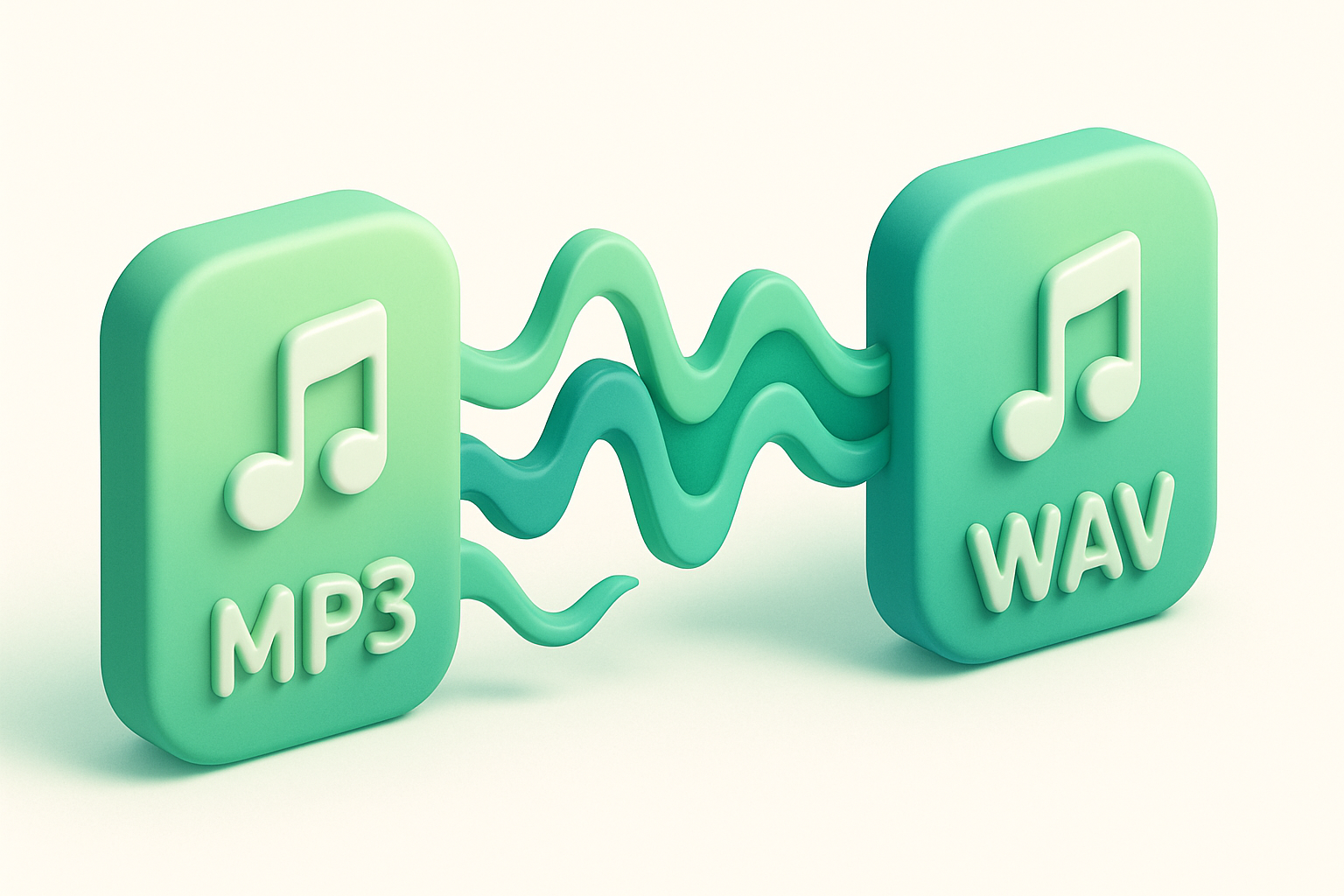
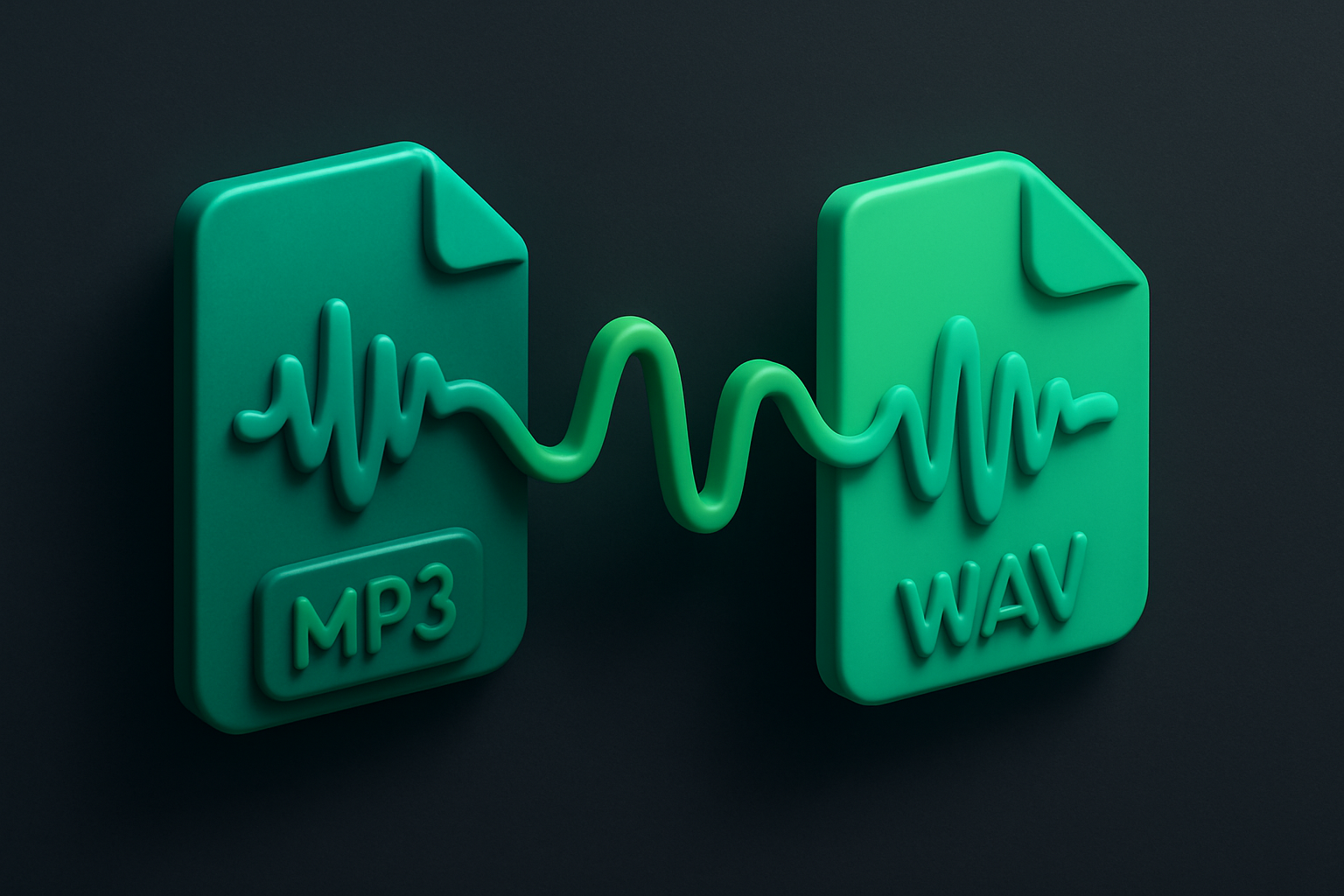
MP3 to WAV Converter
Convert MP3 audio files to WAV format instantly in your browser.
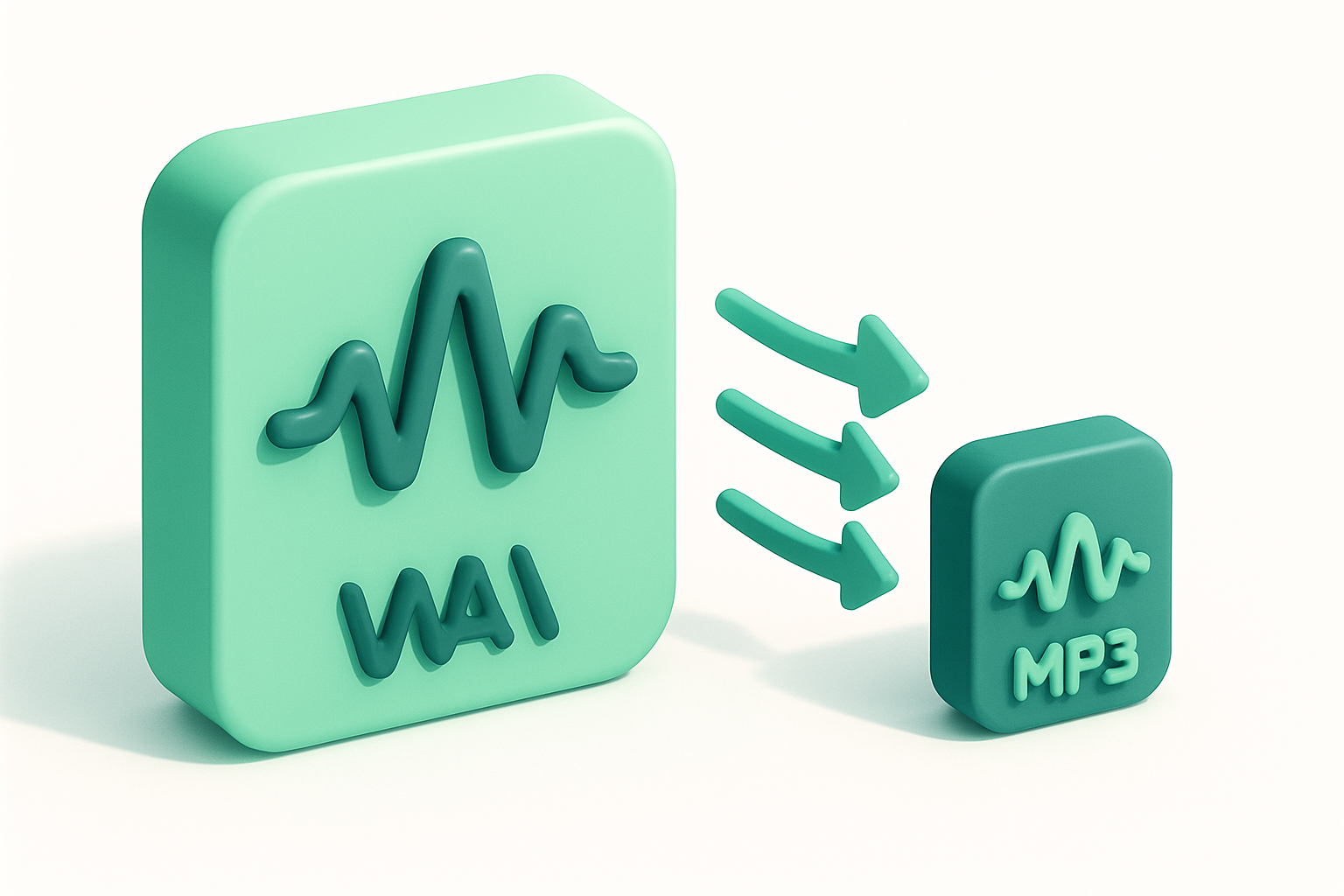
WAV to MP3 Converter
Convert WAV audio files to compressed MP3 format in your browser.
MP3 to OGG Converter
Convert MP3 audio files to OGG Vorbis format in your browser.
OGG to MP3 Converter
Convert OGG Vorbis audio files to MP3 format in your browser.
MP3 to AAC Converter
Convert MP3 audio files to AAC format in your browser.
AAC to MP3 Converter
Convert AAC/M4A audio files to MP3 format in your browser.
FLAC to MP3 Converter
Convert lossless FLAC audio files to MP3 format in your browser.
MP3 to FLAC Converter
Convert MP3 audio files to lossless FLAC format in your browser.
WAV to FLAC Converter
Convert WAV audio files to lossless FLAC format in your browser.
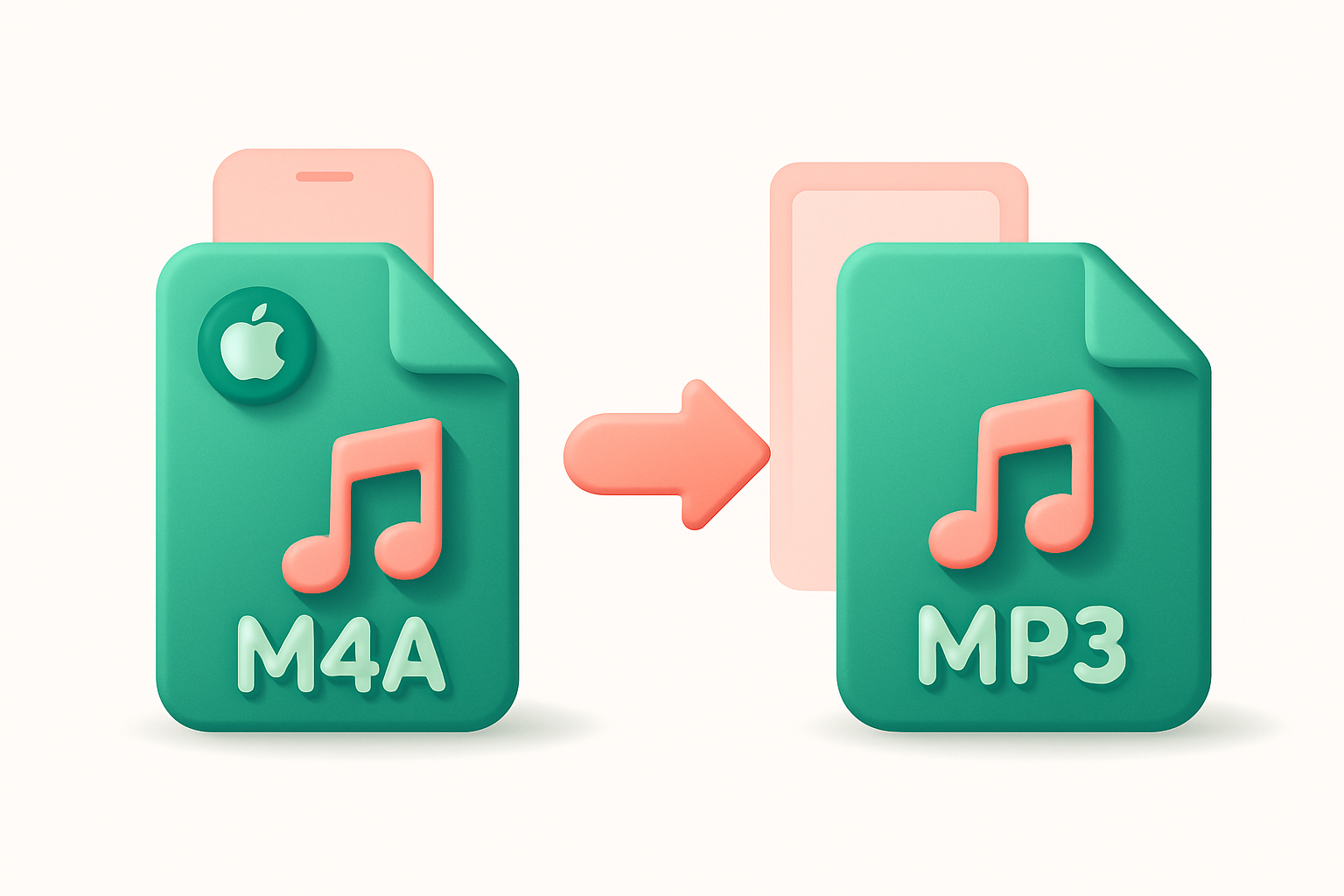
M4A to MP3 Converter
Convert M4A audio files to MP3 format in your browser.
MP3 to M4A Converter
Convert MP3 audio files to M4A/AAC format in your browser.
Audio Trimmer
Trim and cut audio files to the exact duration you need.

Audio Splitter
Split audio files into multiple segments at specified time points.
Audio Merger
Merge and concatenate multiple audio files into a single file.
Audio Volume Changer
Increase or decrease the volume of any audio file.
Audio Speed Changer
Change the playback speed of audio files without affecting pitch.
Audio Pitch Shifter
Shift the pitch of audio files up or down without changing speed.
Audio Reverse
Reverse any audio file to play it backwards.
Audio Fade In/Out
Add fade-in and fade-out effects to audio files.
Audio Normalizer
Normalize audio volume to a consistent level automatically.
Audio Equalizer
Apply EQ adjustments to boost or cut frequency bands in audio.
Audio Compressor
Apply dynamic range compression to reduce volume differences in audio.
Audio Noise Gate
Apply a noise gate to reduce background noise in quiet sections.
Audio Echo Effect
Add echo and delay effects to audio files.
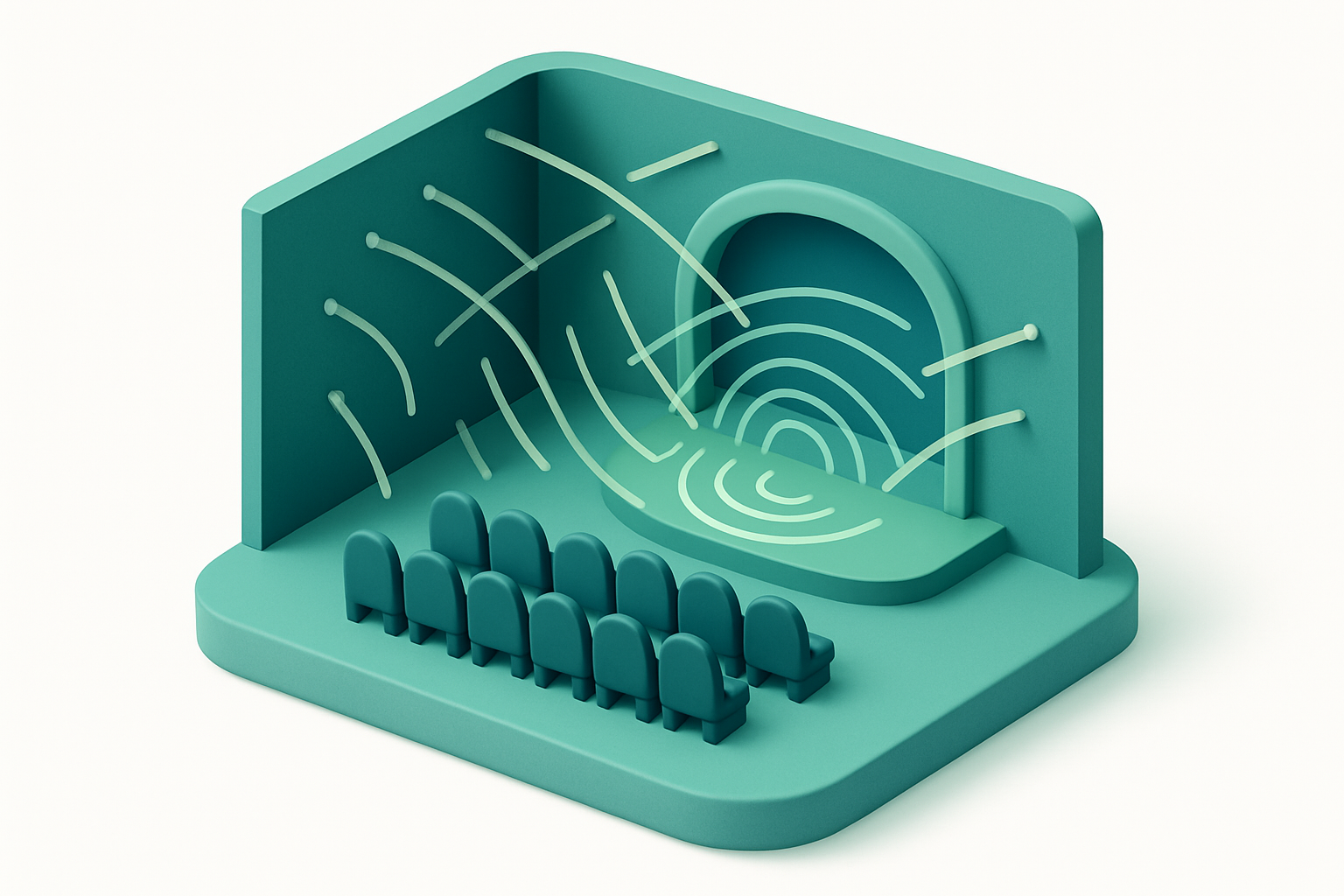
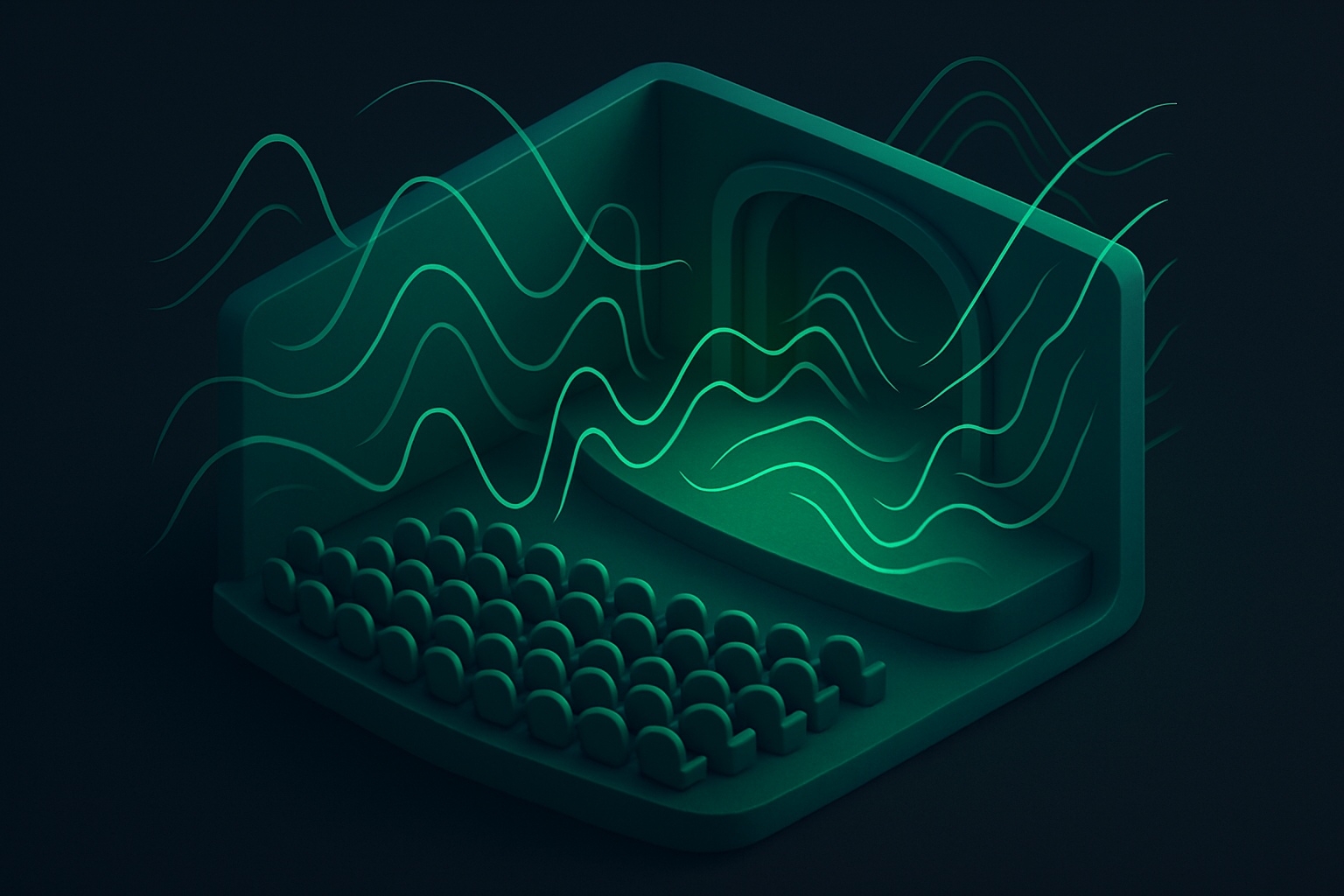
Audio Reverb Effect
Add reverb effects to audio files to simulate room acoustics.
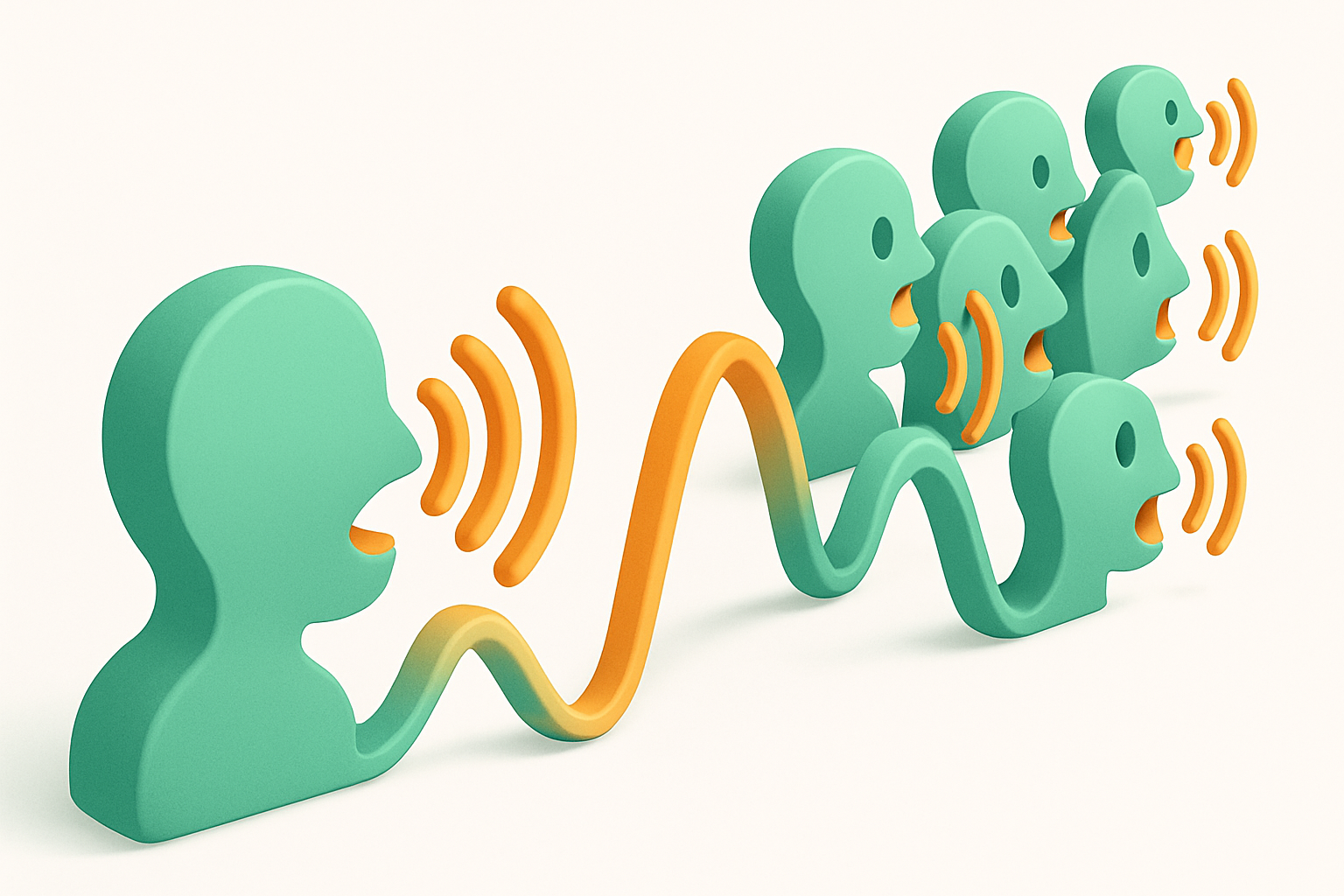
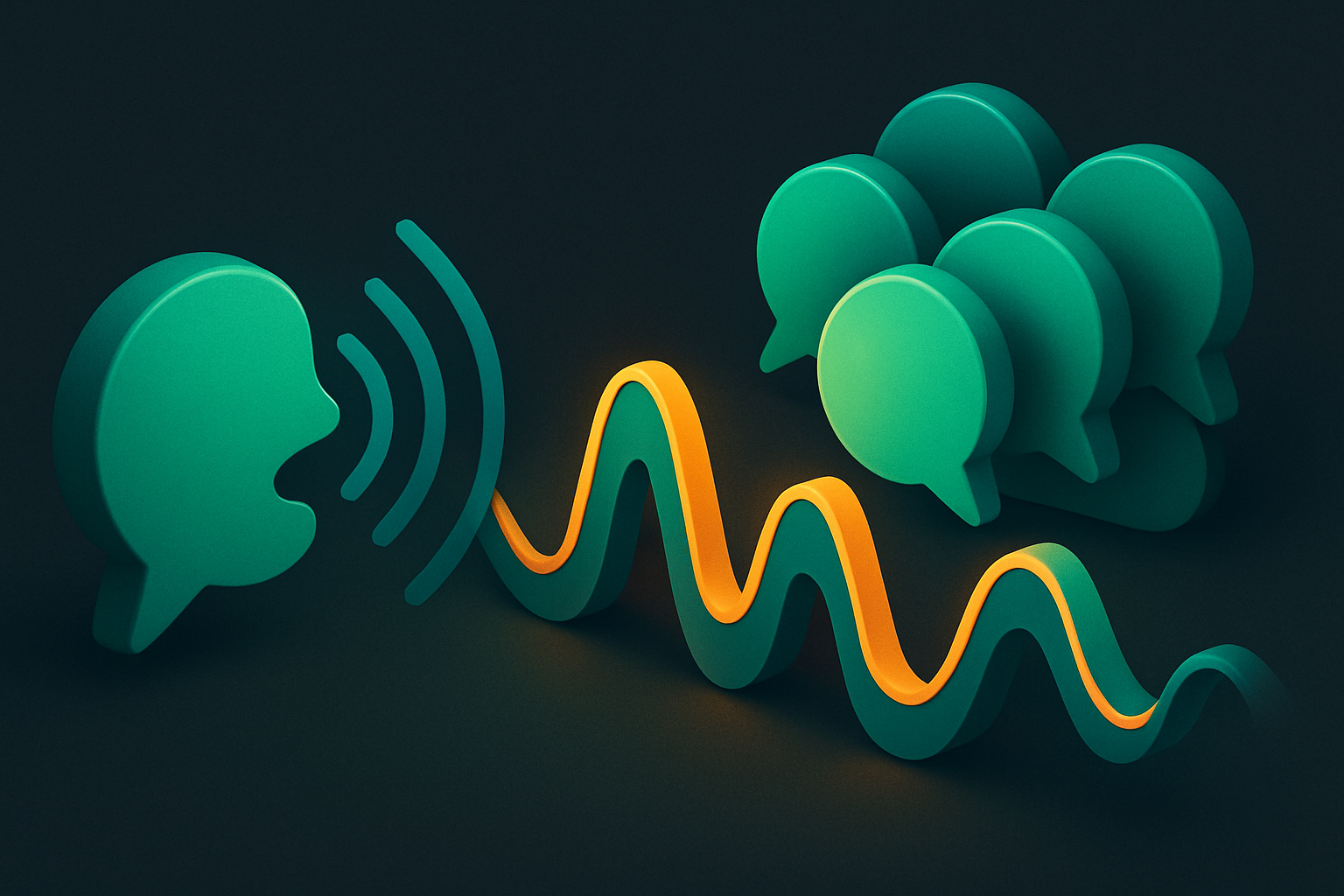
Audio Chorus Effect
Add chorus effect to audio for a thicker, richer sound.
Audio Waveform Generator
Generate a visual waveform image from any audio file.
Audio Spectrum Analyzer
Visualize the frequency spectrum of audio files in real-time.
BPM Detector
Detect the tempo (BPM) of any audio or music file.
Audio Recorder
Record audio from your microphone directly in the browser.
Voice Recorder
Record voice with speech-optimized settings and noise reduction.
Audio Bitrate Changer
Change the bitrate of audio files to adjust quality and file size.
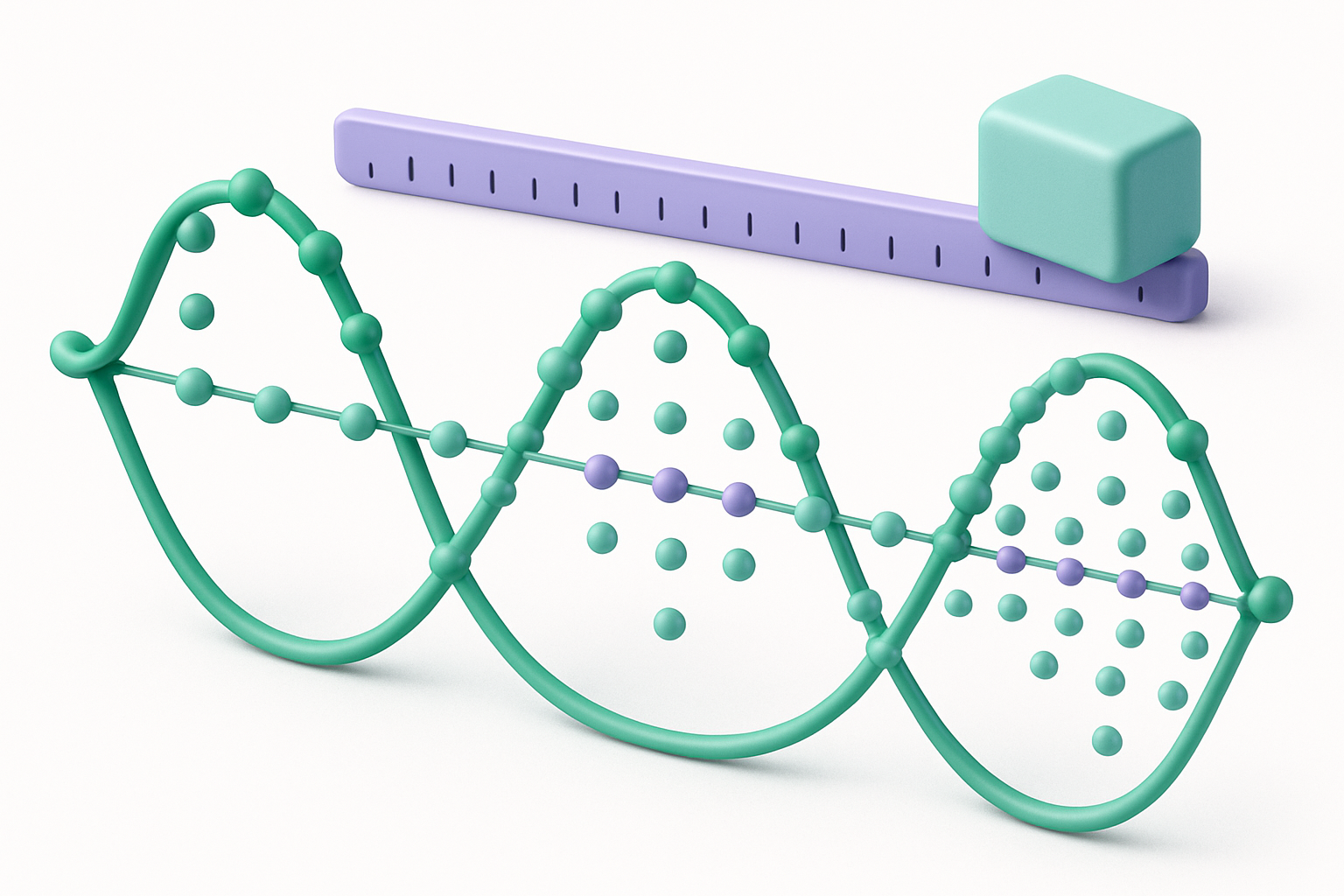
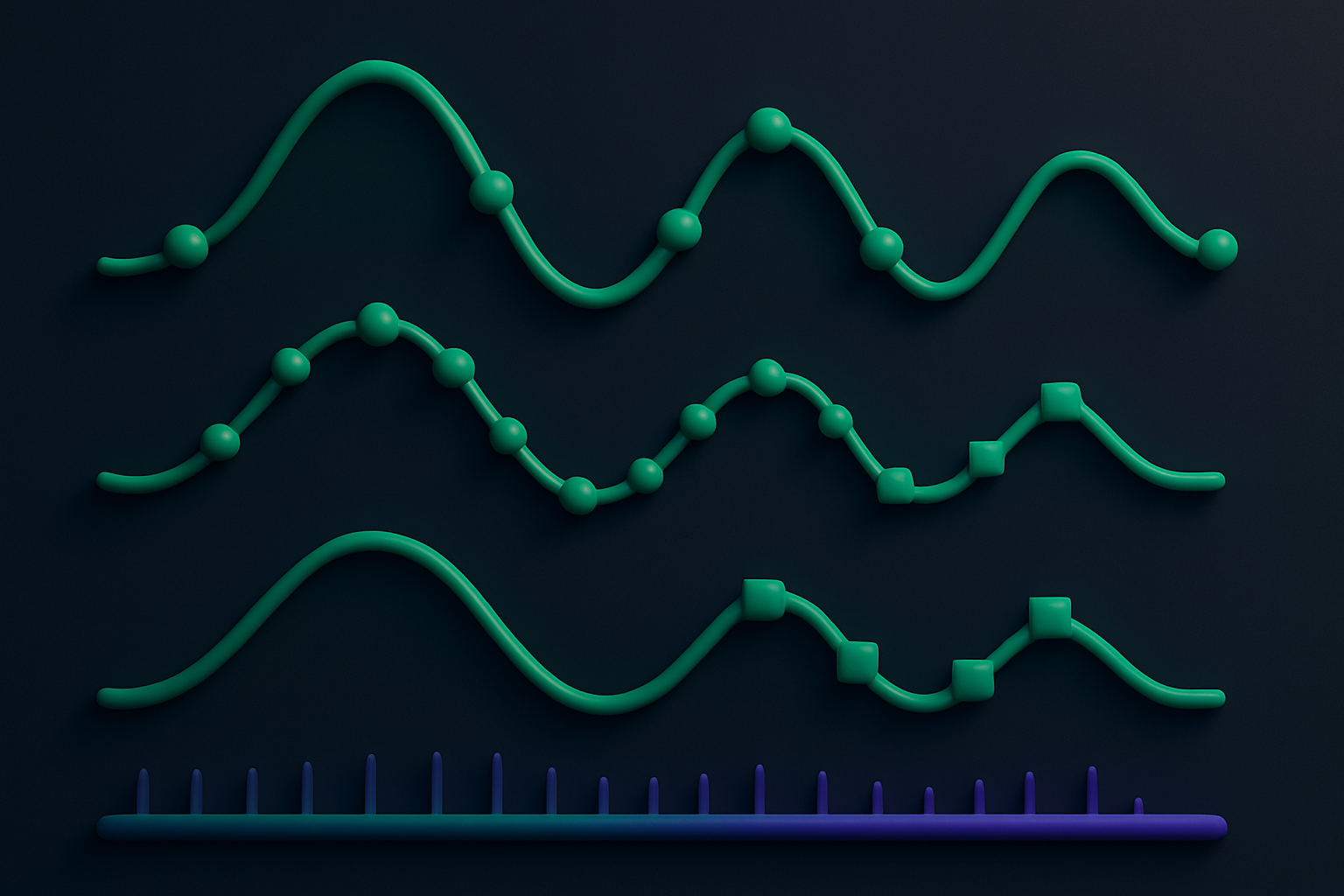
Audio Sample Rate Converter
Convert audio files to different sample rates (44.1kHz, 48kHz, etc.).
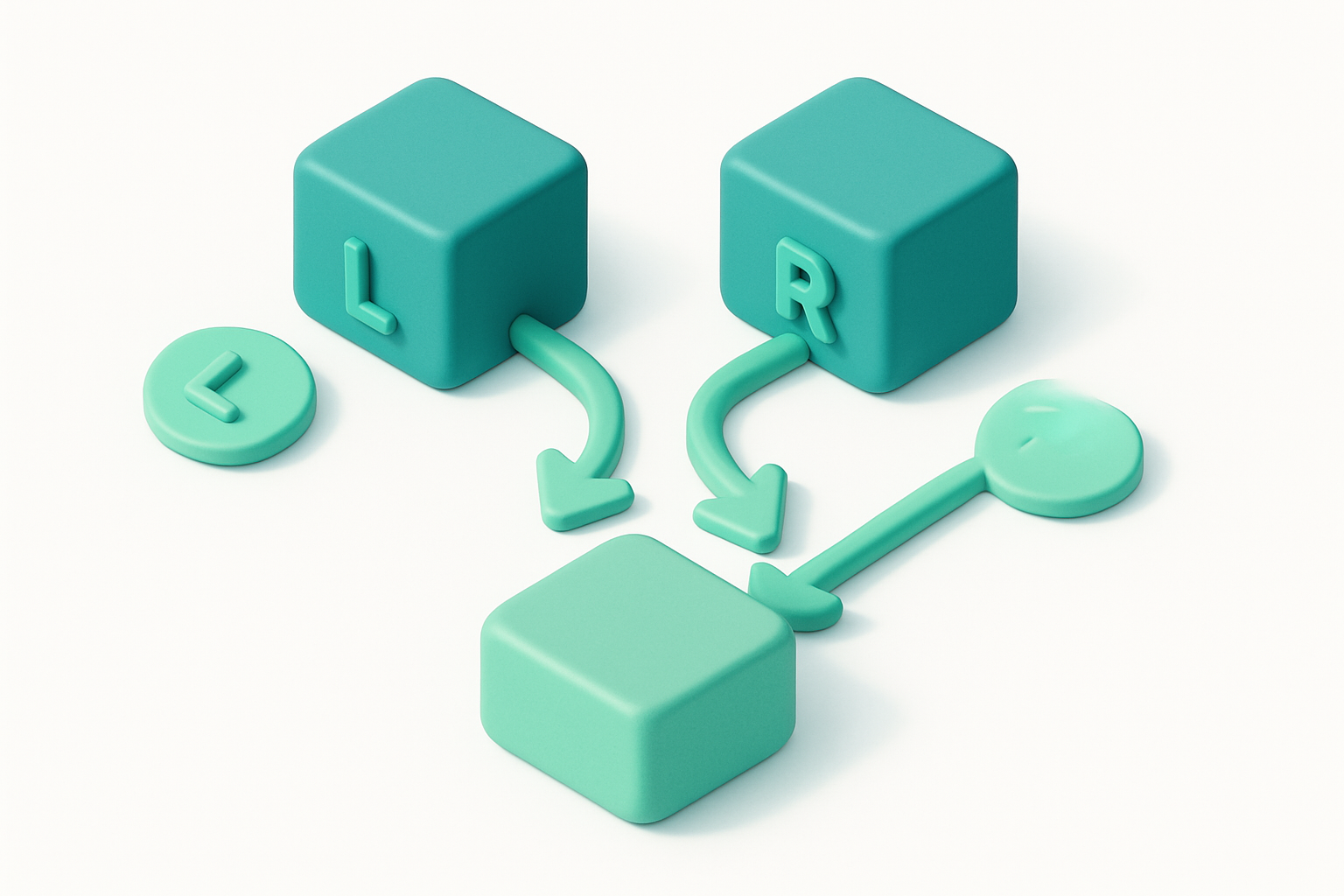
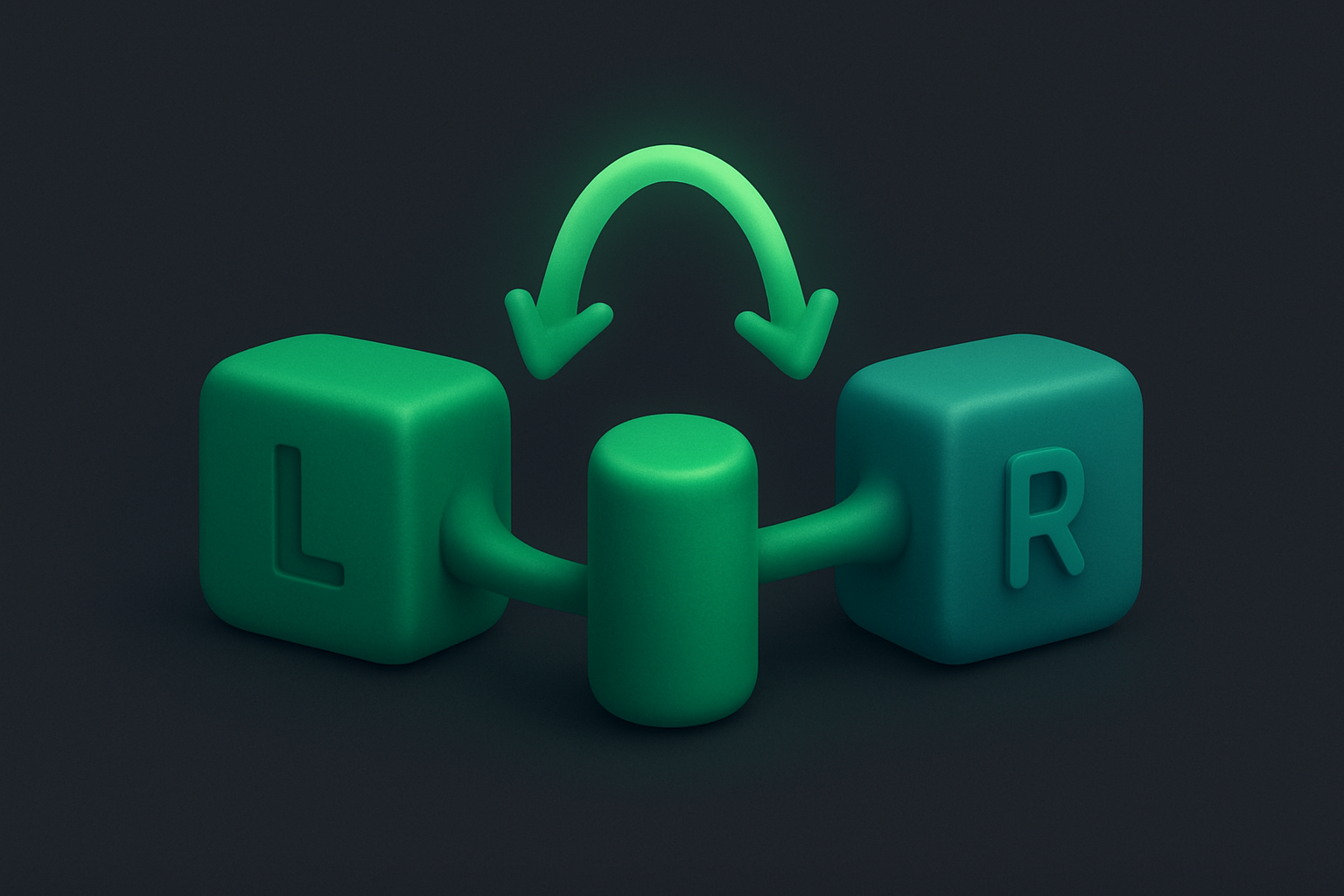
Audio Channel Converter
Convert audio between mono and stereo channel configurations.
Audio Metadata Editor
View and analyze audio file metadata including duration, format, and properties.
Online Metronome
A precise digital metronome for musicians and music practice.
White Noise Generator
Generate white noise for sleep, focus, relaxation, or sound masking.
Brown Noise Generator
Generate brown (Brownian) noise for deep relaxation and sleep.
Pink Noise Generator
Generate pink noise for balanced sound masking and relaxation.
Binaural Beats Generator
Generate binaural beats for meditation, focus, and relaxation.
About Audio Tools
Our audio tools collection offers a comprehensive suite of browser-based utilities designed to handle everyday tasks without any software installation. Every tool processes your data entirely on your device — nothing is uploaded to a server, keeping your files completely private.
Whether you're a professional needing quick conversions, a student working on assignments, or anyone who values privacy, these 40+ free tools are ready to use instantly. No signup, no downloads, no limits.
Common Use Cases
- ✓Quick file processing without installing software
- ✓Privacy-sensitive work that can't be uploaded to cloud services
- ✓Batch operations on multiple files at once
- ✓Cross-format conversions for compatibility
- ✓On-the-go editing from any device with a browser
Frequently Asked Questions
Are these audio tools really free?
Yes, every tool is 100% free with no hidden fees, no premium tiers, and no usage limits.
Is my data safe when using these tools?
Absolutely. All processing happens directly in your browser. Your files are never uploaded to any server.
Do I need to create an account?
No. Every tool works instantly without any signup or registration.
Can I use these tools on mobile?
Yes! All tools are fully responsive and work on phones, tablets, and desktops.
What browsers are supported?
Our tools work on all modern browsers including Chrome, Firefox, Safari, and Edge.