
Image Sprite SheetCombine multiple images into a single sprite sheet with configurable columns and spacing.
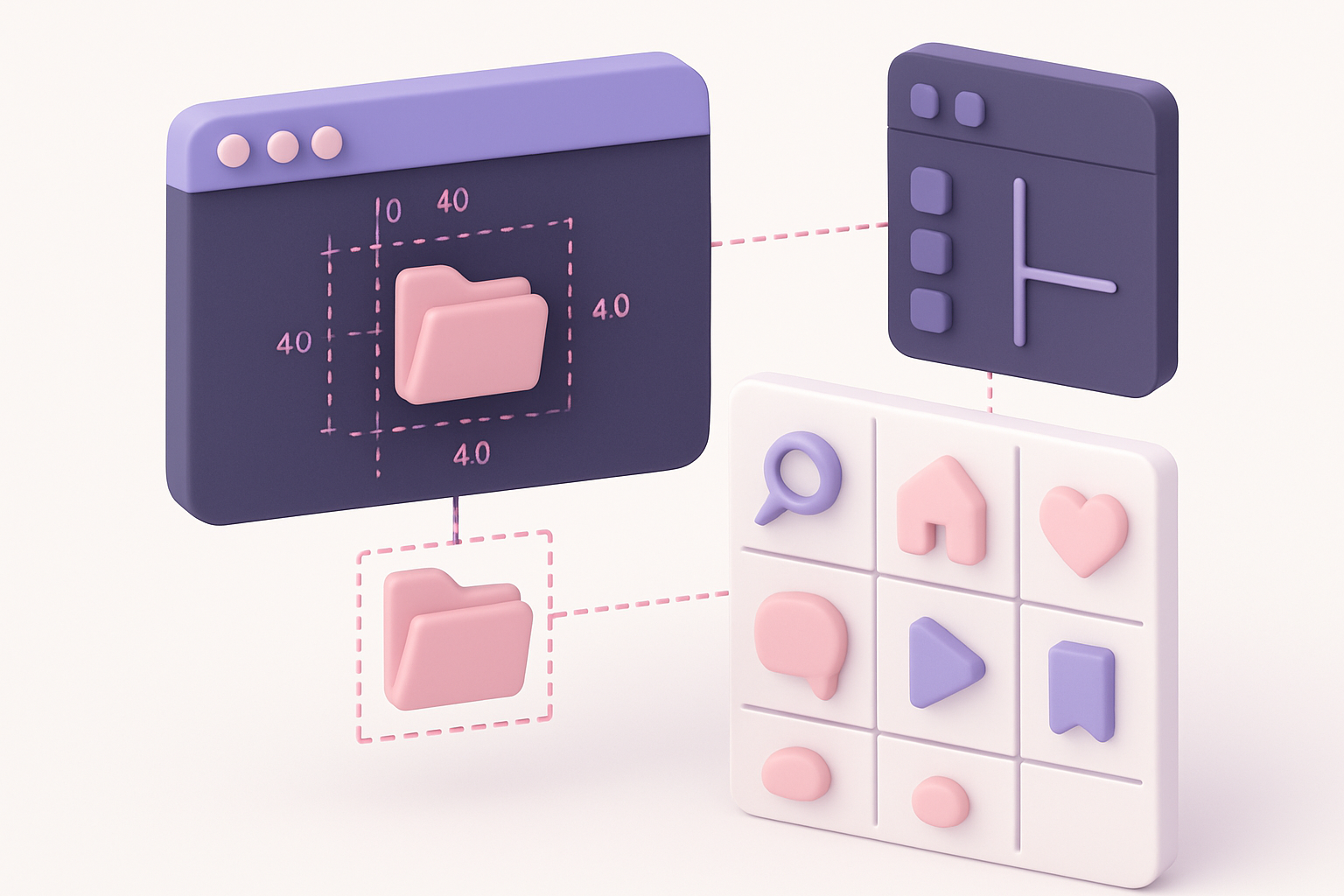
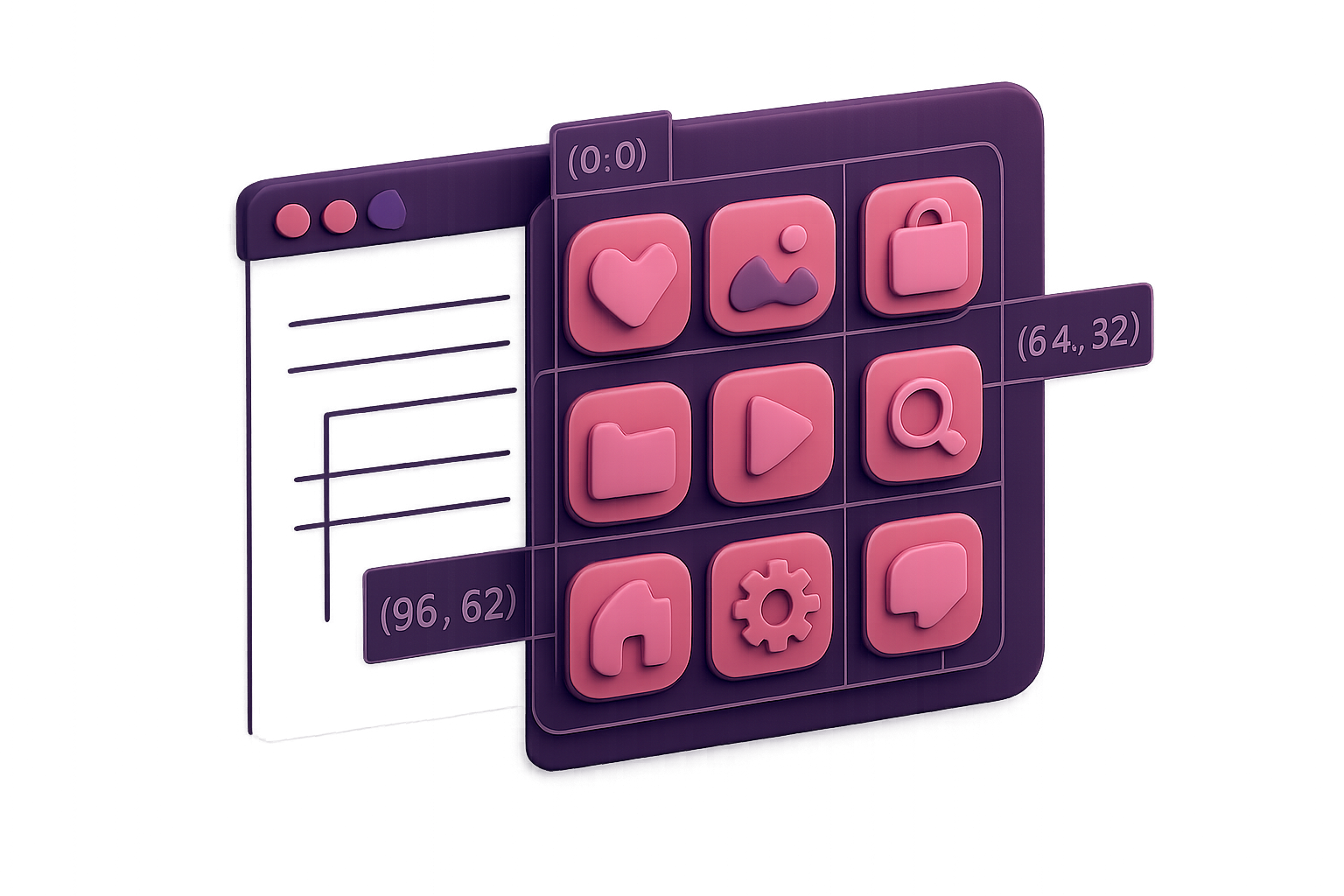
Image Sprite Sheet
Combine multiple images into a single sprite sheet with configurable columns and spacing.
Upload Images
Drop or select multiple images (icons, frames) for the sprite sheet.
Configure Layout
Set the number of columns and padding between sprites.
Generate & Download
Generate the sprite sheet image and copy the CSS coordinates.
What Is Image Sprite Sheet?
A sprite sheet generator that combines multiple images into a single composite image arranged in a grid, along with the CSS background-position coordinates for each sprite. Essential for web performance optimization, game sprite animations, and icon sets. Upload your individual images, set the column count and padding, and the tool generates both the composite PNG and the CSS snippet.
Why Use Our Image Sprite Sheet?
- Generates sprite sheet image + CSS coordinates
- Configurable columns and padding
- Reduces HTTP requests for better web performance
- Perfect for icon sets and game sprites
Common Use Cases
Web Performance
Combine icons into a single sprite sheet to reduce HTTP requests.
Game Development
Create animation sprite sheets from individual frame images.
Icon Sets
Package multiple icons into a single efficient sprite image.
CSS Sprites
Generate optimized sprite sheets with ready-to-use CSS code.
Technical Guide
Images are loaded and arranged in a grid with configurable columns. Row count is calculated as ceil(imageCount/columns). Canvas dimensions are computed from max-width-per-column and total-row-height plus padding. Each image is drawn at its computed grid position. CSS coordinates are generated as negative background-position values for each sprite.
Tips & Best Practices
- 1Use consistent image sizes for a clean grid
- 2Keep padding at 1-2px to minimize wasted space
- 3Name your files descriptively for better CSS class names
- 4Use powers of 2 for game engine compatibility
Related Tools


Image Collage
Combine multiple images into a single collage with customizable layouts and spacing.
 Image Tools
Image Grid Maker
Split a single image into a grid of equal-sized tiles for Instagram grids and puzzles.
Image Tools

Favicon Generator
Generate favicons in multiple sizes (16x16, 32x32, 48x48 and more) from any image.
Image Tools
Image Resizer
Resize images by exact pixel dimensions or percentage while maintaining aspect ratio.
Image Tools
Image Crop
Crop images with a visual selection rectangle to remove unwanted areas.
Image Tools
Image Rotate
Rotate images by any angle with preset options for 90, 180, and 270 degrees.
Image ToolsFrequently Asked Questions
QWhat image sizes work best?
QDoes it generate CSS?
QHow many images can I combine?
QWhat about retina displays?
QCan I use it for game sprites?
About Image Sprite Sheet
Image Sprite Sheet is a free online tool from FreeToolkit.ai. All processing happens directly in your browser — your data never leaves your device. No registration required. No ads. Just fast, reliable tools.