
String Escape/UnescapeEscape or unescape special characters in strings (newlines, tabs, quotes).
String Escape/Unescape
Escape or unescape special characters in strings (newlines, tabs, quotes).
Paste Text
Paste text with special characters or escaped sequences.
Choose Mode
Select Escape or Unescape mode.
Copy Result
Copy the processed string.
What Is String Escape/Unescape?
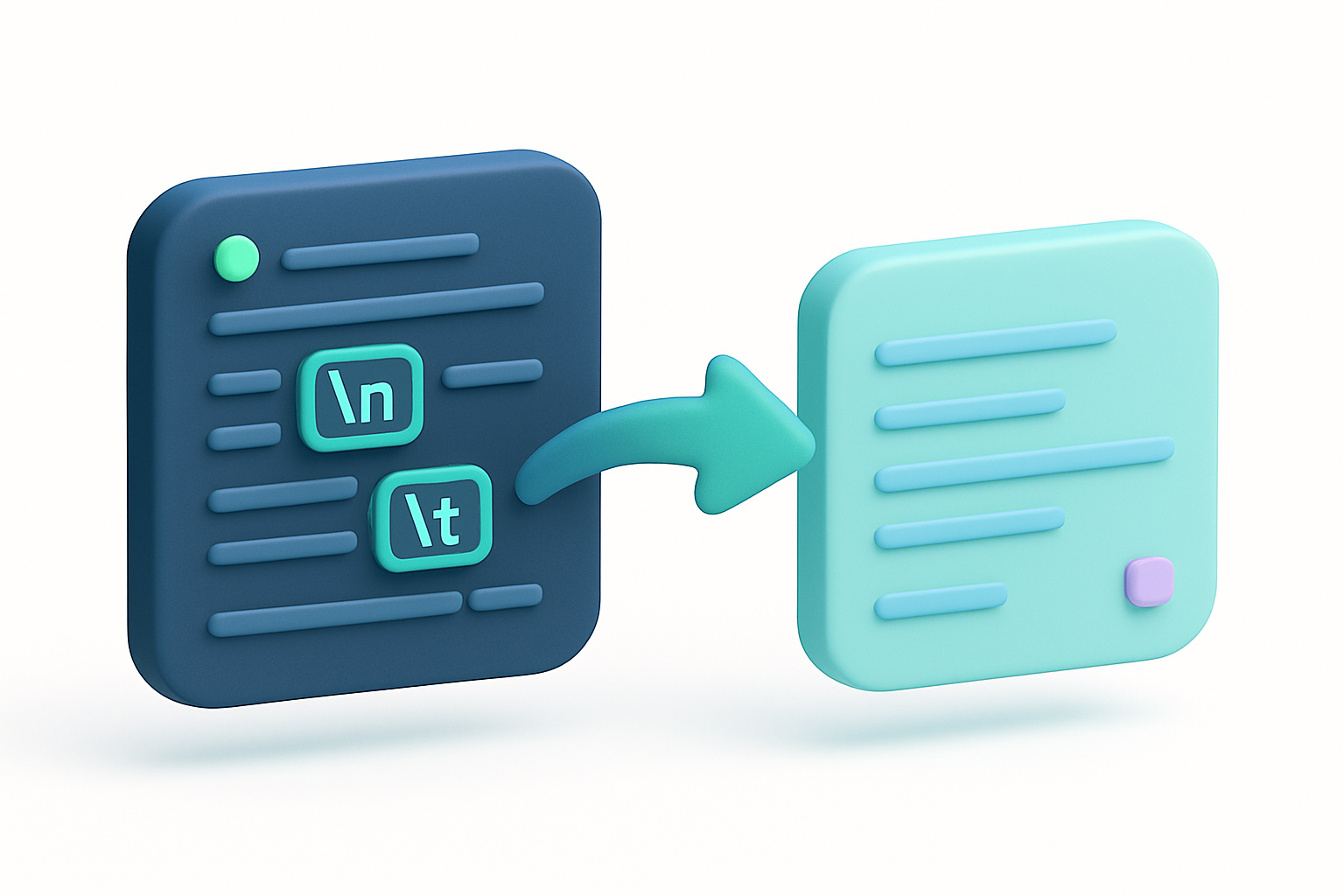
The String Escape/Unescape tool converts between literal special characters and their escape sequence representations. In escape mode, newlines become \n, tabs become \t, backslashes become \\, and quotes are escaped. In unescape mode, escape sequences like \n, \t, \\, and \" are converted back to their literal characters. This is useful for working with strings in programming, preparing text for code insertion, or reading escaped string content.
Why Use Our String Escape/Unescape?
- Prepare text for embedding in source code strings
- Convert escaped sequences back to readable text
- Debug strings with invisible special characters
- Handle escape sequences in configuration files
Common Use Cases
Programming
Escape text content for insertion into string literals in code.
Debugging
Unescape string values from logs or debugger output.
Configuration
Escape or unescape values in configuration files.
Data Processing
Convert between escaped and literal representations of text.
Technical Guide
The escape function applies a series of string replacements in a specific order. Backslashes are escaped first (to \\) to prevent double-processing. Then newlines (\n), carriage returns (\r), tabs (\t), double quotes (\"), single quotes (\'"), and null bytes (\0) are escaped. The unescape function applies replacements in a different order: literal escape sequences (\n, \r, \t, etc.) are converted to their character equivalents, with backslash escapes (\\) processed last to prevent false matches. This order-dependent processing ensures correct results even with strings containing multiple types of special characters.
Tips & Best Practices
- 1Escape mode processes backslashes first to prevent double-escaping
- 2Unescape handles standard C-style escape sequences
- 3Useful for preparing text to paste into code strings
- 4Different from JSON escaping — this does not add surrounding quotes
Related Tools


JSON Escape/Unescape
Escape text for JSON strings or unescape JSON string values.
 Text Tools

HTML Entity Encoder
Encode special characters as HTML entities for safe HTML insertion.
Text Tools

URL Encoder
Encode text for safe use in URLs with percent-encoding.
Text Tools

Whitespace Visualizer
Make invisible whitespace characters visible with symbolic markers.
Text Tools

Word Counter
Count words, unique words, characters, and see word frequency in any text.
Text Tools

Character Counter
Count characters with and without spaces, plus word, line, and paragraph counts.
Text ToolsFrequently Asked Questions
QHow is this different from JSON escape?
QWhich escape sequences are supported?
QDoes the order of processing matter?
QCan I escape text for a specific programming language?
QDoes it handle Unicode escape sequences?
About String Escape/Unescape
String Escape/Unescape is a free online tool from FreeToolkit.ai. All processing happens directly in your browser — your data never leaves your device. No registration required. No ads. Just fast, reliable tools.