
Audio SplitterSplit audio files into multiple segments at specified time points.

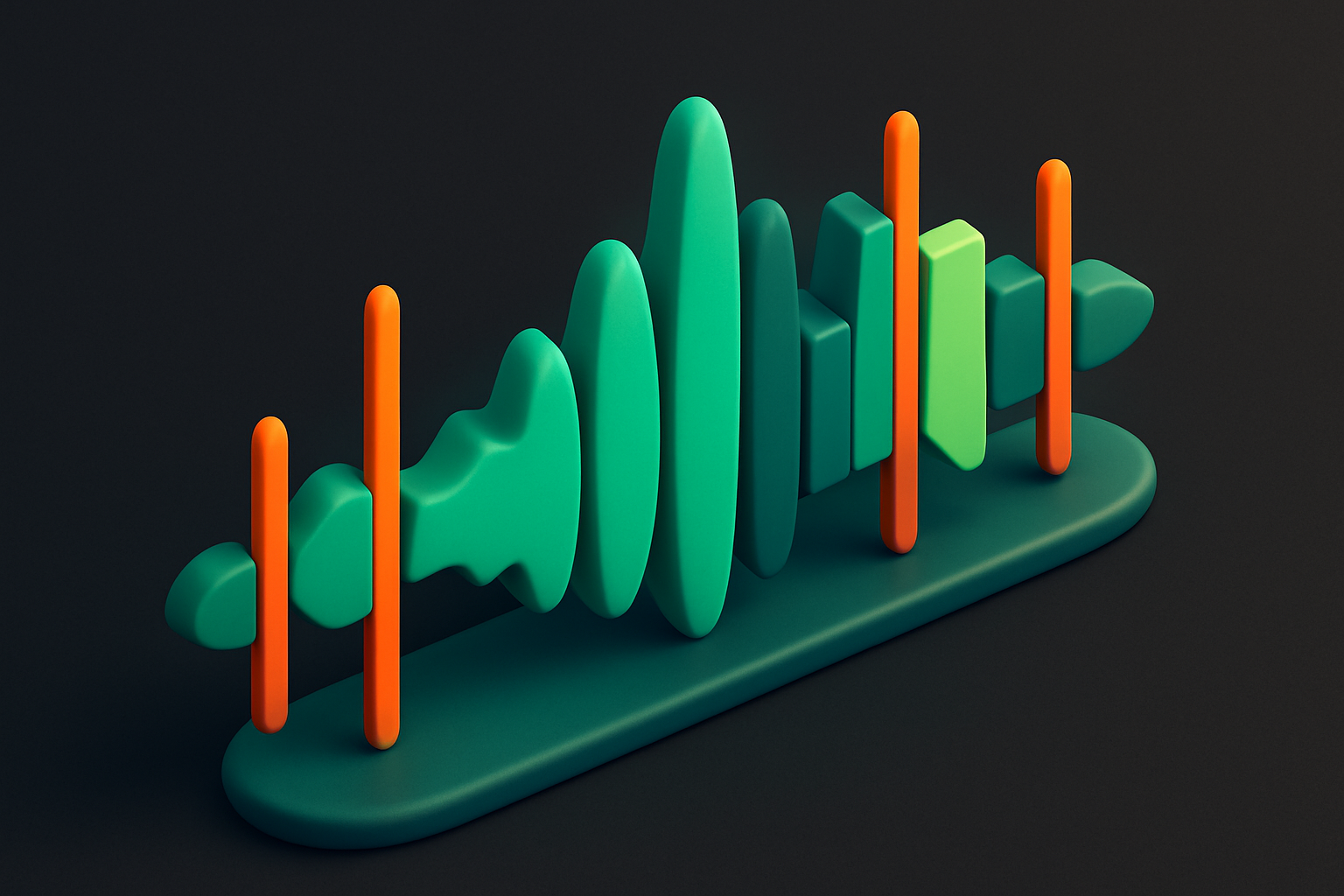
Audio Splitter
Split audio files into multiple segments at specified time points.
Upload Audio
Drop your audio file or click to browse.
Add Split Points
Set the timestamps where you want to split the audio.
Download Parts
Click Split and download each segment individually.
What Is Audio Splitter?
The Audio Splitter divides audio files into multiple segments at specified time points. Upload any audio file, set your split timestamps, and download each resulting segment as a separate WAV file. This tool is essential for breaking long recordings into chapters, splitting album files into individual tracks, or segmenting podcast episodes. The waveform visualization helps you identify natural break points in the audio. All processing uses the Web Audio API and happens entirely in your browser — no files are uploaded.
Why Use Our Audio Splitter?
- Split long recordings into organized segments quickly
- Visual waveform helps find natural split points
- Download each segment individually as WAV
- Completely client-side — files stay on your device
Common Use Cases
Album Splitting
Split a full album recording into individual tracks.
Podcast Chapters
Break long podcast episodes into chapter-based segments.
Lecture Segments
Divide recorded lectures into topic-based sections.
Sound Design
Extract multiple sound effects from a single recording session.
Technical Guide
The tool decodes the audio file into an AudioBuffer using the Web Audio API. Split points are defined as timestamps in seconds. For each segment between consecutive split points, a new AudioBuffer is created by extracting the corresponding sample range from each channel of the original buffer. Each segment is then encoded as a standalone 16-bit PCM WAV file with proper RIFF headers. The waveform display is generated by computing RMS values across windowed sections of the audio data and rendering them on a canvas element. Split point markers are overlaid on the waveform for visual positioning. All segments can be downloaded individually or as a batch. The tool handles multi-channel audio by preserving the channel layout in each split segment.
Tips & Best Practices
- 1Use the waveform to identify silences as natural split points
- 2Add split points in chronological order for best results
- 3Each segment downloads as a separate WAV file
- 4For very long recordings, adding many split points may increase processing time
Related Tools
Audio Trimmer
Trim and cut audio files to the exact duration you need.
 Audio Tools
Audio Merger
Merge and concatenate multiple audio files into a single file.
Audio Tools

Audio Fade In/Out
Add fade-in and fade-out effects to audio files.
Audio Tools
Audio Waveform Generator
Generate a visual waveform image from any audio file.
Audio Tools
MP3 to WAV Converter
Convert MP3 audio files to WAV format instantly in your browser.
Audio Tools
WAV to MP3 Converter
Convert WAV audio files to compressed MP3 format in your browser.
Audio ToolsFrequently Asked Questions
QHow many split points can I add?
QWhat format are the output files?
QCan I split by equal duration?
QDoes it preserve audio quality?
QAre files uploaded to a server?
About Audio Splitter
Audio Splitter is a free online tool from FreeToolkit.ai. All processing happens directly in your browser — your data never leaves your device. No registration required. No ads. Just fast, reliable tools.