
Split-Complementary SchemeGenerate split-complementary palettes with adjustable split angle.
Split-Complementary Scheme
Generate split-complementary palettes with adjustable split angle.
Choose Base Color
Select your starting color.
Adjust Split Angle
Control how far the split colors deviate from the direct complement.
Copy Palette
Copy the three-color palette.
What Is Split-Complementary Scheme?
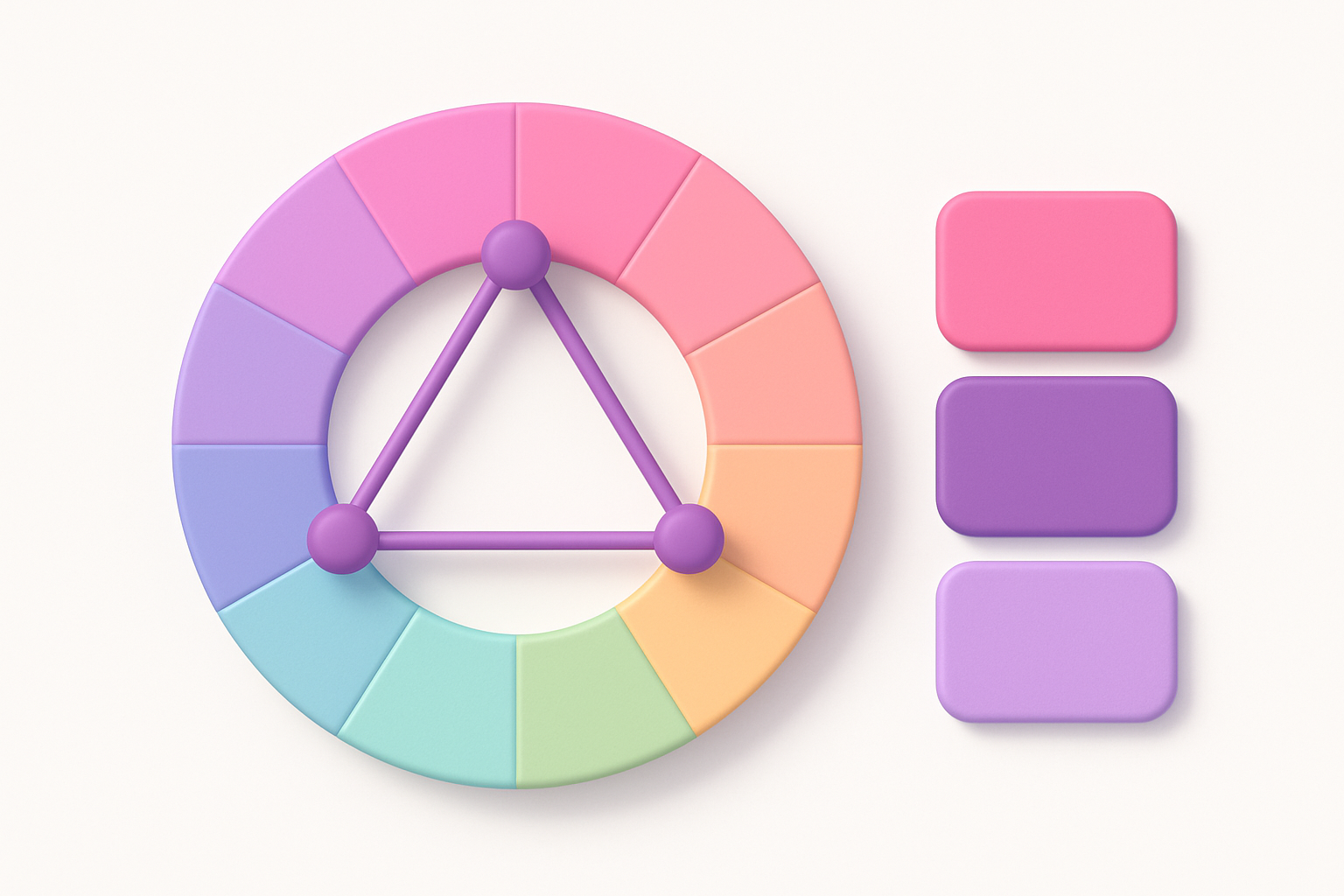
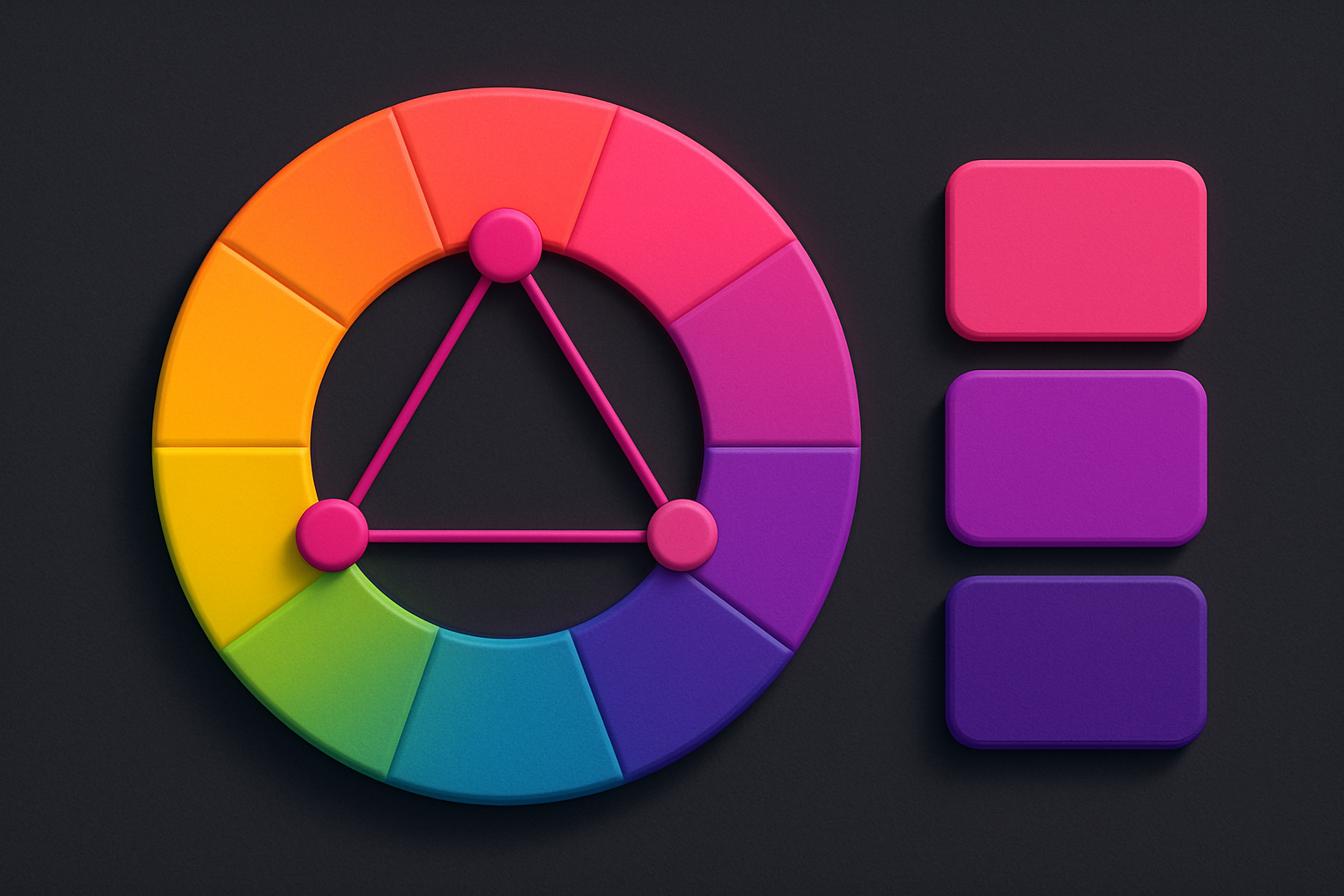
A split-complementary color scheme takes the standard complementary approach (180° opposite) and splits the complement into two colors equidistant from that opposite point. Instead of using the color directly across the wheel, you use the two colors flanking it. This creates a three-color palette that maintains strong contrast but with less visual tension than a pure complementary scheme. The adjustable split angle (10–60°) lets you control how far apart the two split colors are from the complement point — smaller angles produce subtler splits closer to complementary, while larger angles create wider, more varied palettes. Split-complementary is often recommended as a beginner-friendly alternative to complementary schemes because it is harder to mess up while still providing rich color contrast.
Why Use Our Split-Complementary Scheme?
- Strong contrast with less tension than pure complementary
- Adjustable split angle for fine-tuning the palette
- Easier to use than complementary while maintaining visual impact
- Three colors that naturally suggest primary, secondary, and accent roles
- Popular in both print and digital design for its versatility
Common Use Cases
Web Design
Create engaging website color schemes with contrast and variety without the tension of pure complementary.
Brand Identity
Build three-color brand palettes that feel dynamic yet harmonious.
Presentation Design
Use split-complementary colors for slides that are visually engaging without being overwhelming.
Interior Design
Plan room palettes with one main color and two split-complementary accents.
Technical Guide
Given base hue H and split angle A, the split-complementary scheme produces colors at hues: H (base), (H + 180 - A) mod 360, and (H + 180 + A) mod 360. The default angle A=30° creates colors at ±30° from the complement. This arrangement forms an isosceles triangle on the color wheel. Compared to pure complementary (a straight line across the wheel), split-complementary provides more variety while maintaining strong contrast. The split angle effectively controls the palette's character: at A=0° it degenerates to complementary; at A=60° the two split colors are 120° from the complement (forming a near-triadic arrangement). The sweet spot for most designs is 20-40°, which preserves the complementary energy while softening the direct opposition.
Tips & Best Practices
- 1Start with a 30° split angle — it works well for most designs
- 2Use the base color as dominant and the two split colors as supporting accents
- 3Split-complementary is ideal for beginners — it is harder to create clashing combinations
- 4Smaller split angles (10–20°) feel closer to complementary; larger (40–60°) feel more diverse
- 5Try muting the two split colors to let the base color take center stage
Related Tools
Complementary Color Generator
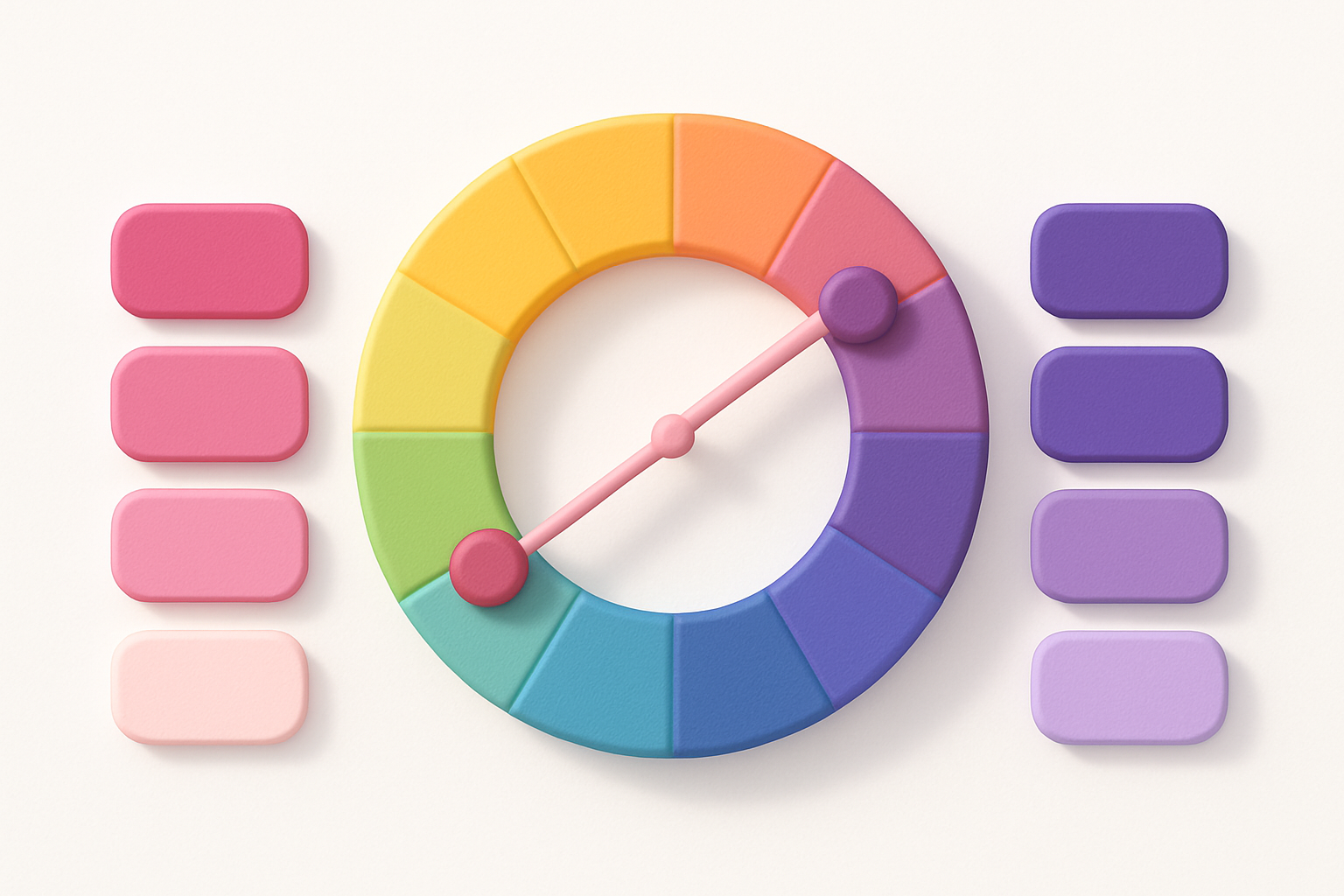
Generate complementary color pairs with light and dark variations.
 Color Tools
Triadic Color Scheme
Generate triadic color schemes with three colors 120° apart on the wheel.
Color Tools
Tetradic Color Scheme
Generate tetradic (rectangular) color schemes with four colors 90° apart.
Color Tools
Analogous Color Scheme
Generate analogous color palettes with adjustable angle and count.
Color Tools
Color Harmony Wheel
Interactive color wheel with five harmony types and visual selection.
Color Tools
HEX to RGB Converter
Convert HEX color codes to RGB values instantly with a live preview swatch.
Color ToolsFrequently Asked Questions
QWhat is a split-complementary scheme?
QWhat split angle should I use?
QIs split-complementary better than complementary?
About Split-Complementary Scheme
Split-Complementary Scheme is a free online tool from FreeToolkit.ai. All processing happens directly in your browser — your data never leaves your device. No registration required. No ads. Just fast, reliable tools.