
Tab to Spaces ConverterConvert tab characters to spaces with configurable tab width.


Tab to Spaces Converter
Convert tab characters to spaces with configurable tab width.
Paste Text
Paste code or text with tab characters.
Set Tab Width
Choose 2, 4, or 8 spaces per tab.
Copy Result
Copy the text with spaces instead of tabs.
What Is Tab to Spaces Converter?
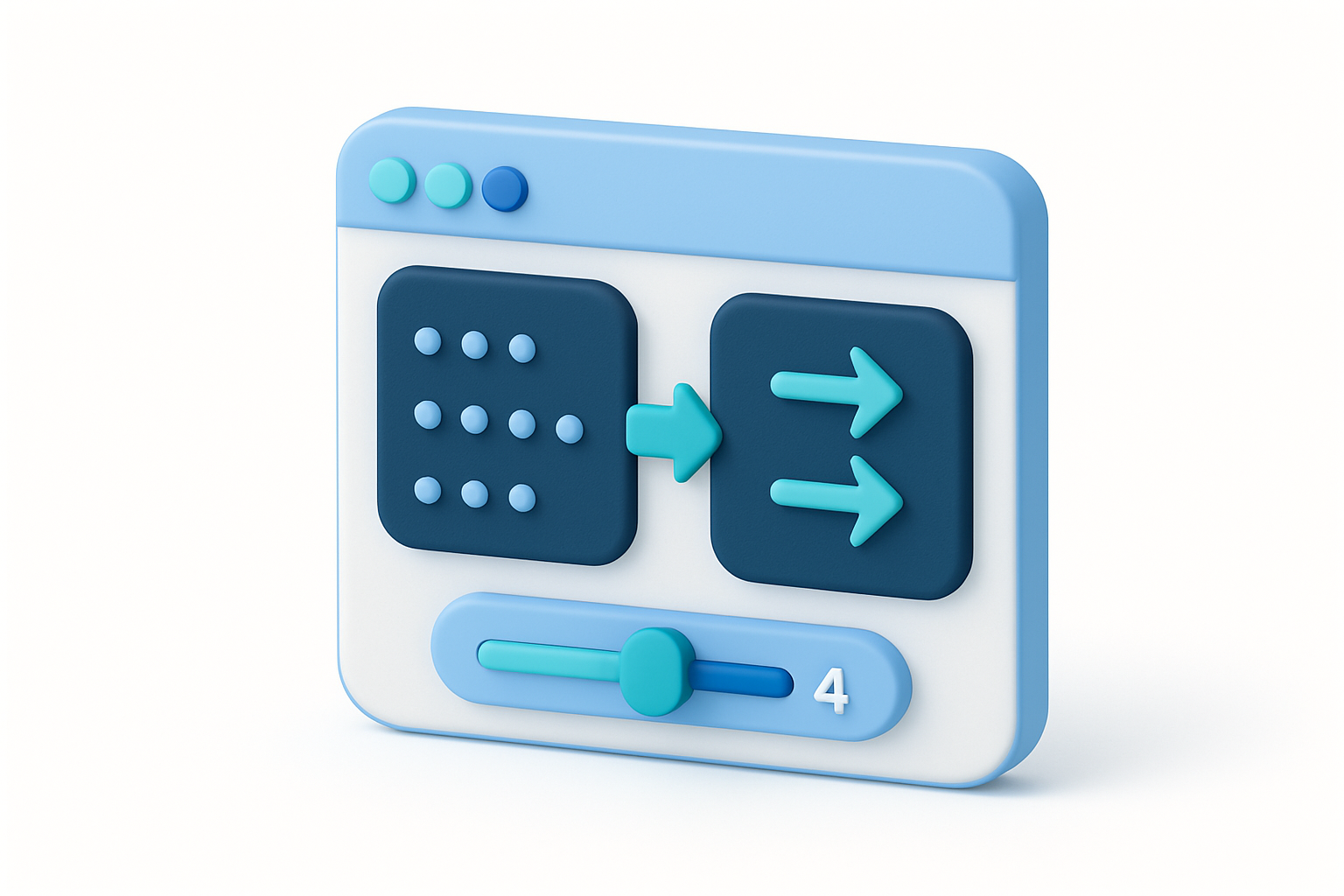
The Tab to Spaces Converter replaces all tab characters in text with a configurable number of spaces (2, 4, or 8). This is commonly needed when standardizing code indentation, preparing code for display in environments that render tabs inconsistently, or converting between indentation styles. The tool replaces every tab character with the specified number of spaces throughout the entire text.
Why Use Our Tab to Spaces Converter?
- Standardize code indentation from tabs to spaces
- Prepare code for display in tab-inconsistent environments
- Convert between indentation conventions
- Fix mixed tab/space indentation
Common Use Cases
Code Formatting
Convert tab-indented code to spaces for consistent display.
Code Review
Standardize indentation before code reviews.
Publishing
Convert tabs to spaces for code displayed on websites.
Style Compliance
Meet coding style requirements that specify spaces over tabs.
Technical Guide
The converter uses a simple regex replacement: input.replace(/\t/g, ' '.repeat(spaces)). Each tab character (U+0009) is replaced with the specified number of space characters. The replacement is global, affecting all tabs in the input. Available tab widths are 2, 4, and 8 spaces, covering the most common indentation conventions. Unlike tab-stop-aware conversion (which aligns to column positions), this tool uses simple replacement, which works correctly for leading indentation but may not preserve visual column alignment of inline tabs.
Tips & Best Practices
- 14 spaces is the most common convention in many languages
- 22 spaces is popular in JavaScript, TypeScript, Ruby, and YAML
- 38 spaces matches the traditional Unix terminal tab width
- 4This replaces ALL tabs, not just leading indentation
Related Tools

Spaces to Tab Converter
Convert leading spaces to tab characters with configurable tab width.
 Text Tools

Indent/Dedent Text
Add or remove indentation from text with spaces or tabs.
Text Tools

Whitespace Visualizer
Make invisible whitespace characters visible with symbolic markers.
Text Tools

Remove Extra Spaces
Remove extra whitespace — collapse multiple spaces to single spaces.
Text Tools

Word Counter
Count words, unique words, characters, and see word frequency in any text.
Text Tools

Character Counter
Count characters with and without spaces, plus word, line, and paragraph counts.
Text ToolsFrequently Asked Questions
QWhich tab width should I use?
QDoes it only convert leading tabs?
QWill it affect the visual alignment?
QCan I convert spaces back to tabs?
QDoes it handle mixed indentation?
About Tab to Spaces Converter
Tab to Spaces Converter is a free online tool from FreeToolkit.ai. All processing happens directly in your browser — your data never leaves your device. No registration required. No ads. Just fast, reliable tools.