
Spaces to Tab ConverterConvert leading spaces to tab characters with configurable tab width.
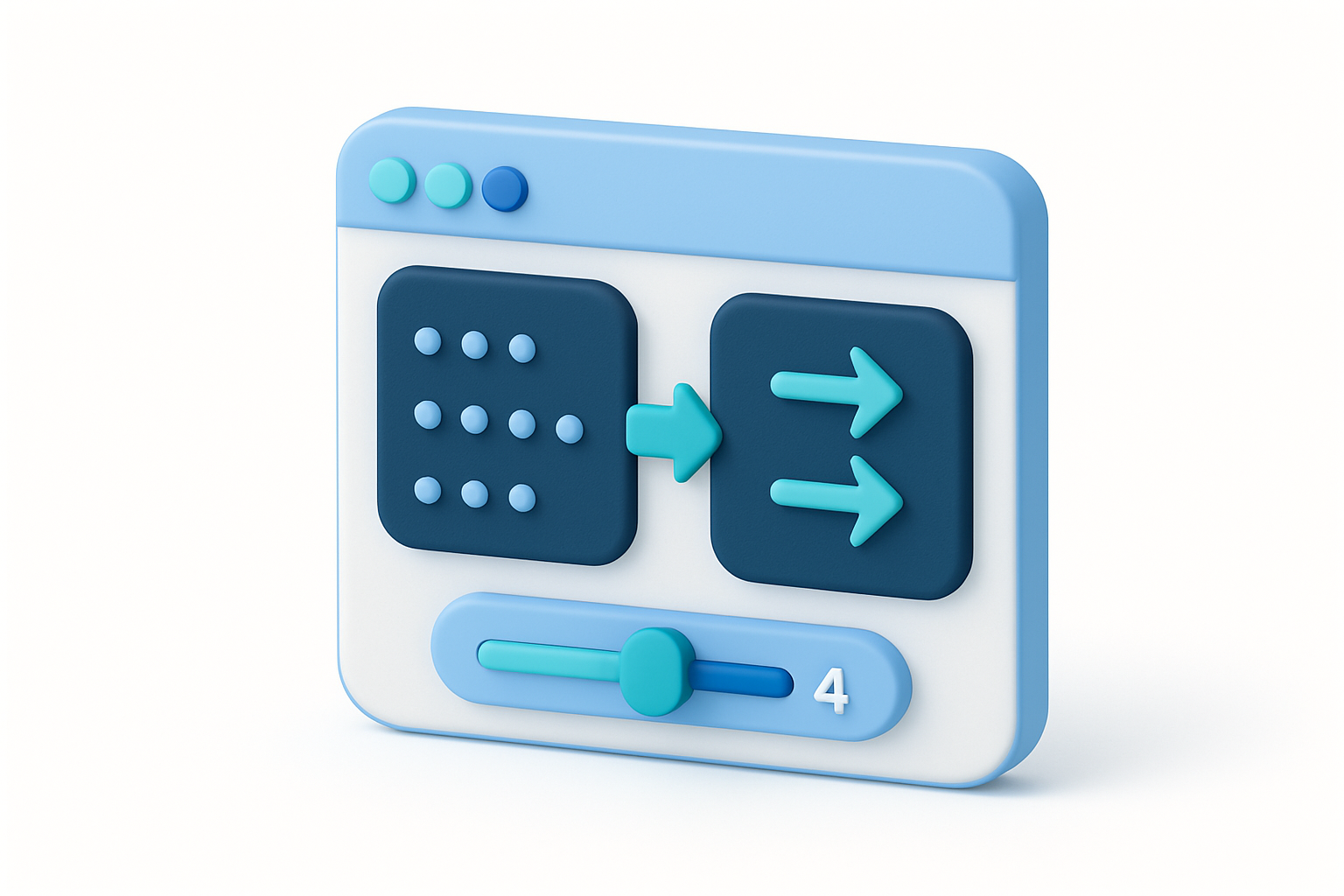

Spaces to Tab Converter
Convert leading spaces to tab characters with configurable tab width.
Paste Text
Paste code or text with space indentation.
Set Tab Width
Choose 2, 4, or 8 spaces per tab.
Copy Result
Copy the text with tabs instead of leading spaces.
What Is Spaces to Tab Converter?
The Spaces to Tab Converter replaces leading spaces in each line with tab characters based on the specified tab width (2, 4, or 8 spaces per tab). Only leading indentation spaces are converted — spaces within the text content are preserved. If the leading spaces do not divide evenly by the tab width, remaining spaces are kept. This is useful for converting between indentation styles and reducing file size.
Why Use Our Spaces to Tab Converter?
- Convert space-indented code to tabs
- Only converts leading indentation, not inline spaces
- Handles uneven indentation gracefully
- Reduce file size by replacing spaces with tabs
Common Use Cases
Code Formatting
Convert space-indented code to tab indentation.
Editor Preference
Convert to your preferred indentation style.
File Size
Reduce file size by converting multiple spaces to single tab characters.
Style Compliance
Meet coding style requirements that specify tabs over spaces.
Technical Guide
The converter processes each line individually. It counts leading space characters by iterating from the start of each line. The count is divided by the specified tab width: the quotient becomes the number of tab characters, and the remainder becomes leftover spaces. The line is reconstructed as tabs + remainder spaces + rest of line content. This approach only affects leading whitespace, preserving all other spaces in the line. For example, with tab width 4, a line starting with 10 spaces becomes 2 tabs + 2 spaces.
Tips & Best Practices
- 1Only leading spaces are converted — inline spaces are untouched
- 2Uneven indentation produces tabs plus remaining spaces
- 3Set the tab width to match the original indent size
- 4Combine with the Tab to Spaces tool for the reverse operation
Related Tools


Tab to Spaces Converter
Convert tab characters to spaces with configurable tab width.
 Text Tools

Indent/Dedent Text
Add or remove indentation from text with spaces or tabs.
Text Tools

Whitespace Visualizer
Make invisible whitespace characters visible with symbolic markers.
Text Tools

Remove Extra Spaces
Remove extra whitespace — collapse multiple spaces to single spaces.
Text Tools

Word Counter
Count words, unique words, characters, and see word frequency in any text.
Text Tools

Character Counter
Count characters with and without spaces, plus word, line, and paragraph counts.
Text ToolsFrequently Asked Questions
QDoes it convert ALL spaces to tabs?
QWhat happens with odd numbers of spaces?
QHow do I know the right tab width?
QCan I convert tabs back to spaces?
QDoes it handle empty lines?
About Spaces to Tab Converter
Spaces to Tab Converter is a free online tool from FreeToolkit.ai. All processing happens directly in your browser — your data never leaves your device. No registration required. No ads. Just fast, reliable tools.